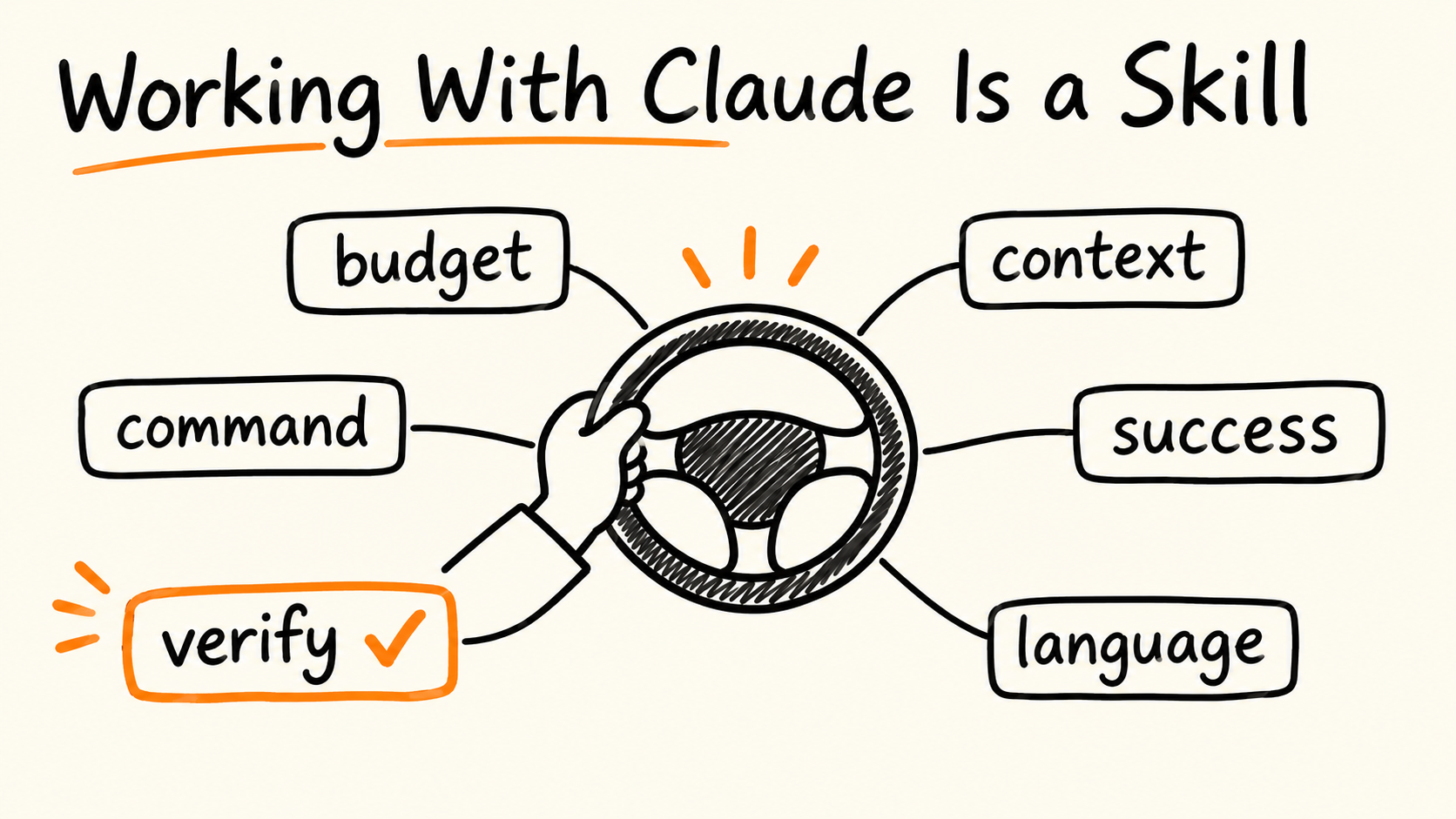
Using Claude well is a separate skill from coding. The tool is powerful, but results depend on how you manage tokens, context, instructions, and review.
Context is the main constraint. Cost, quality, and speed all follow from how full the window is, so clear it, compact it, and keep investigations in subagents.
There is no reward channel in a prompt. What you control is the signal Claude can see: a check it can run, clear success criteria, and a stated scope. If the only signal is passing tests, say what the tests are not.
Claude does the typing. You hold the decisions, you verify the result, and you can explain every change you ship.
Writing code and directing something that writes code are two different skills.
The second one doesn't announce itself. The tool is easy to start using, and it produces output that looks right. The gap between a good session and an expensive, confusing one comes down to habits you build around it.
Six of them matter most: managing tokens and budget, managing context, defining what success looks like, speaking in plain, specific language, revalidating what the agent did, and commanding it properly. Everything cited here comes from Anthropic's docs, and the one idea underneath all six is the one I keep coming back to: Claude is the co-driver. You hold the wheel.
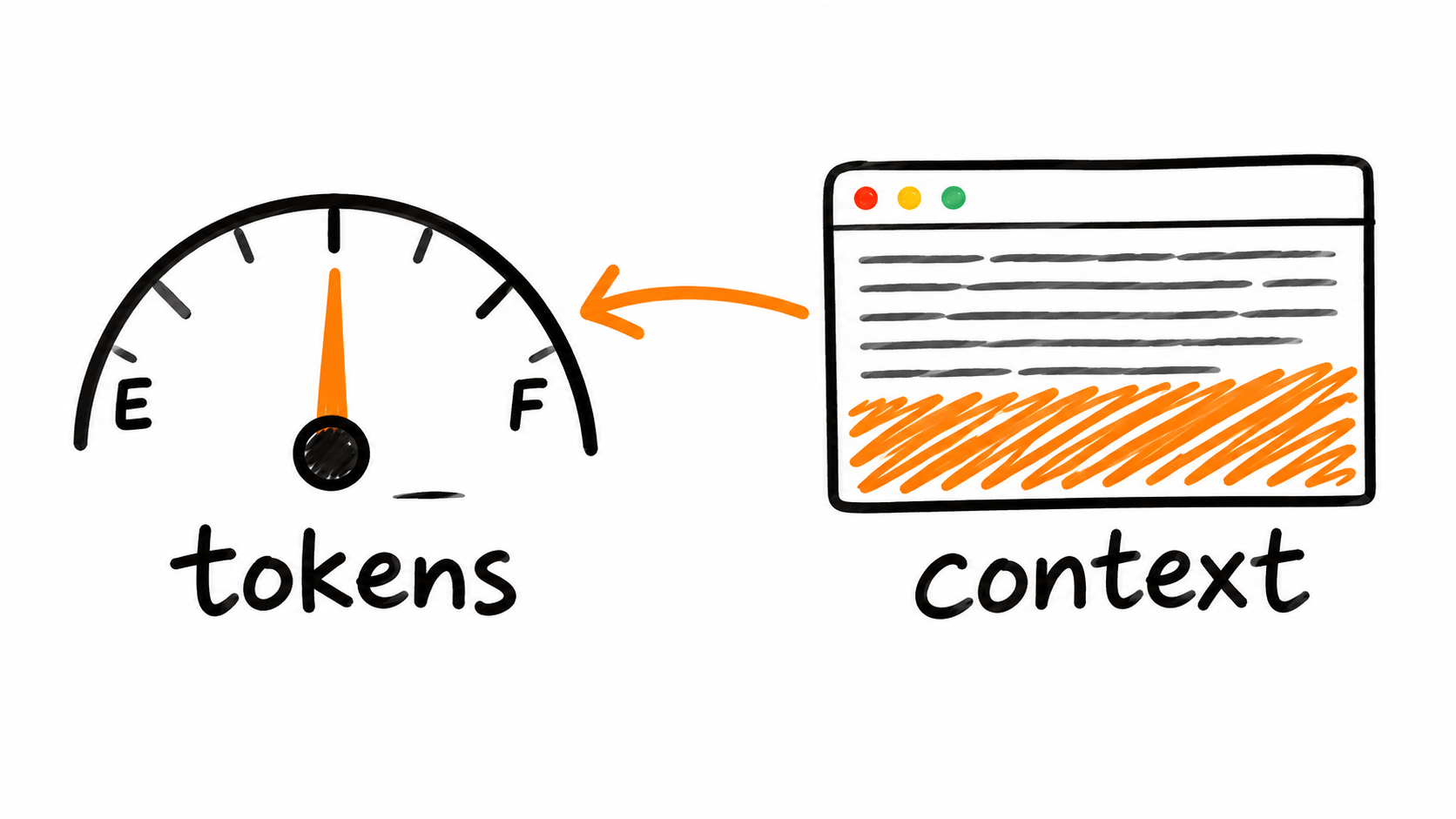
A fuel gauge labeled tokens next to a window filling with text
1. Manage tokens and budget
Claude Code charges by API token consumption, and costs vary widely with model choice, codebase size, and habits like running several sessions at once. For API-billed enterprise deployments, Anthropic reports an average of about $13 per developer per active day, $150 to $250 per developer per month, and under $30 per active day for 90 percent of users. Treat that as a starting reference, not a prediction for you. Subscription plans meter usage differently.
The mechanism matters more than the average: token cost scales with context size. Every request carries the full conversation, so a one-line question at the end of a day-long session still pays for the whole history. That's why the same task can cost very different amounts depending on how you ran it.
The documented levers:
Lever
What it does
/clear between unrelated tasks
Stale context costs tokens on every later message
Pick the model for the job
Sonnet handles most coding tasks for less; reserve Opus for complex architecture or multi-step reasoning
Lower effort for simple work
Thinking tokens are billed as output tokens, and the default budget can run to tens of thousands per request
Offload noise
A hook can filter a huge log down to its error lines before Claude reads it
Delegate verbose work to subagents
Test output and doc fetches stay in the subagent's context, and only a summary returns
Watch the multipliers
Agent teams use about 7 times more tokens than a standard session when teammates run in plan mode
Two habits make this practical. First, look at your numbers: /usage shows session token use, and on subscription plans it also shows plan usage with recommendations. /insights analyzes how you work, including friction points. Second, set a ceiling before you need one. Teams can cap spend at the organization, group, or member level, and API organizations can set workspace spend limits.
Also know which wall you hit. A session or weekly limit on a subscription is a usage window, and switching models won't restore it. A spend-limit message means usage credits hit a cap. A context warning isn't a limit at all. It means the conversation is nearly full.
2. Manage context
The Claude Code best-practices guide opens with one constraint: context fills up fast, and performance degrades as it fills. As the window gets crowded, Claude may start forgetting earlier instructions or making more mistakes. The docs call context the most important resource to manage.
That one fact explains most of the advice:
Clear between unrelated tasks. A session that starts on one task, wanders to another, and returns is the "kitchen sink session." Context fills with irrelevant material.
Don't correct the same thing forever. After two failed corrections, clear and restart with a better prompt that includes what you learned. A clean session with a better prompt usually beats a long one full of failed attempts.
Compact on purpose. Claude Code auto-compacts near the limit, but /compact Focus on the API changes lets you say what to keep. You can also put compaction instructions in CLAUDE.md, and you can summarize from a chosen point using the rewind menu.
Keep investigations out of the main window. Ask a subagent to research and report back. It reads many files in its own context, and only a summary returns.
Use side questions for throwaway checks./btw answers without entering the conversation history.
Keep CLAUDE.md short. It loads every session, so only what applies broadly belongs there. Anything situational moves into a skill that loads on demand. The docs suggest staying under about 200 lines, and warn that bloated files cause Claude to ignore your actual instructions.
Run /context now and then and look at what's using the space. It's the quickest way to see where your tokens go.
3. Define what success looks like
People often talk about "rewarding" Claude, as if a prompt could hand it a score. It can't. There is no reward channel in a prompt. What you control is the signal Claude can see, and that signal decides when it stops.
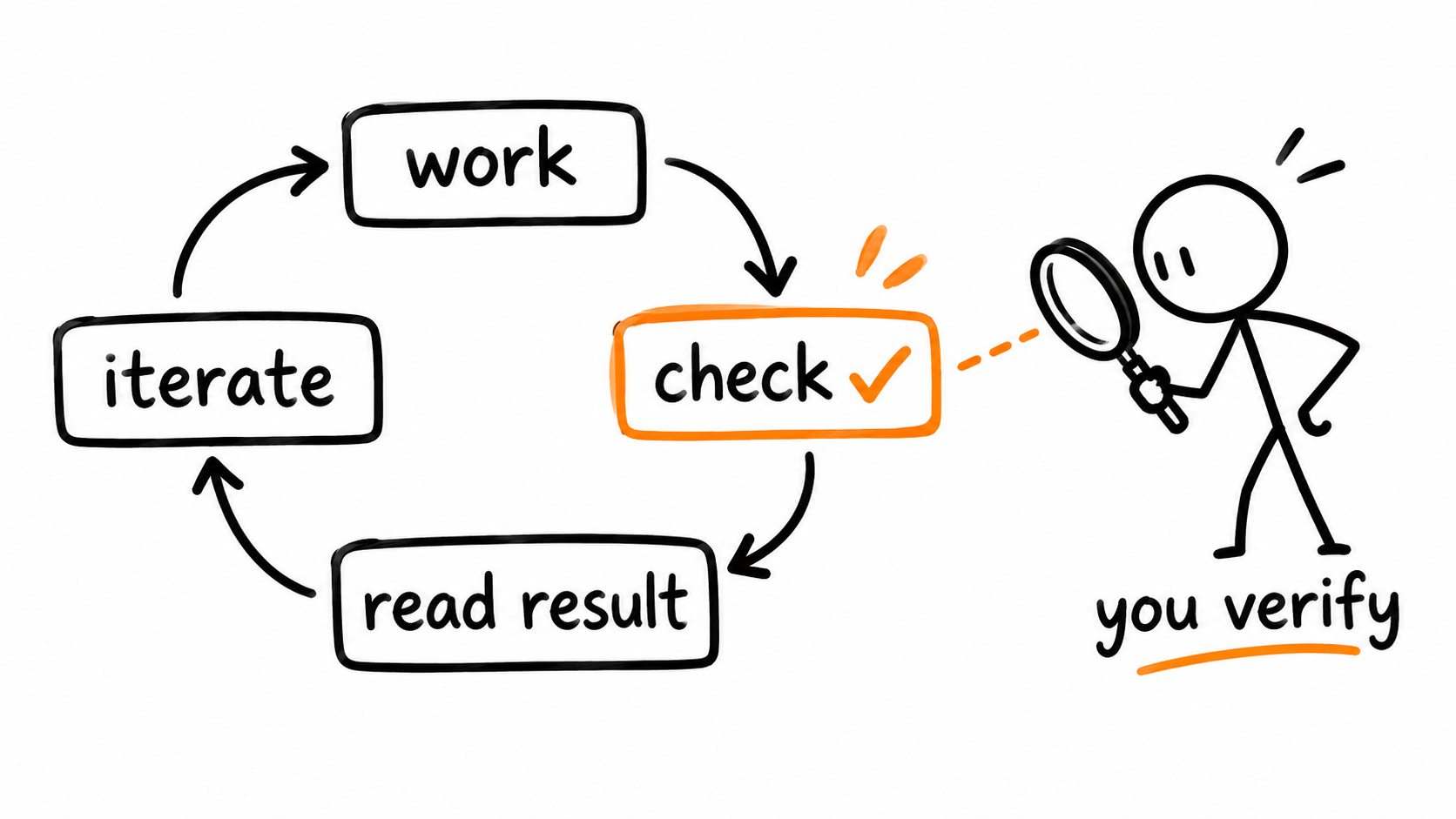
The docs put it plainly: Claude stops when the work looks done. Without a check it can run, "looks done" is the only signal available, and you become the verification loop. Give it something that returns pass or fail, such as a test suite, a build exit code, a linter, or a screenshot compared against a design. Then Claude does the work, runs the check, reads the result, and iterates until it passes.
A few practices follow:
Provide the criteria, not just the task. "Write a validateEmail function with these example cases, and run the tests" beats "implement email validation."
Say what "fixed" means. Describe the symptom, the likely location, and the proof: "write a failing test that reproduces the issue, then fix it."
Ask for evidence. Have Claude show the test output, the command it ran, or a screenshot, rather than asserting success.
Fix the cause, not the symptom. The docs' example prompt tells Claude to address the root cause and not suppress the error.
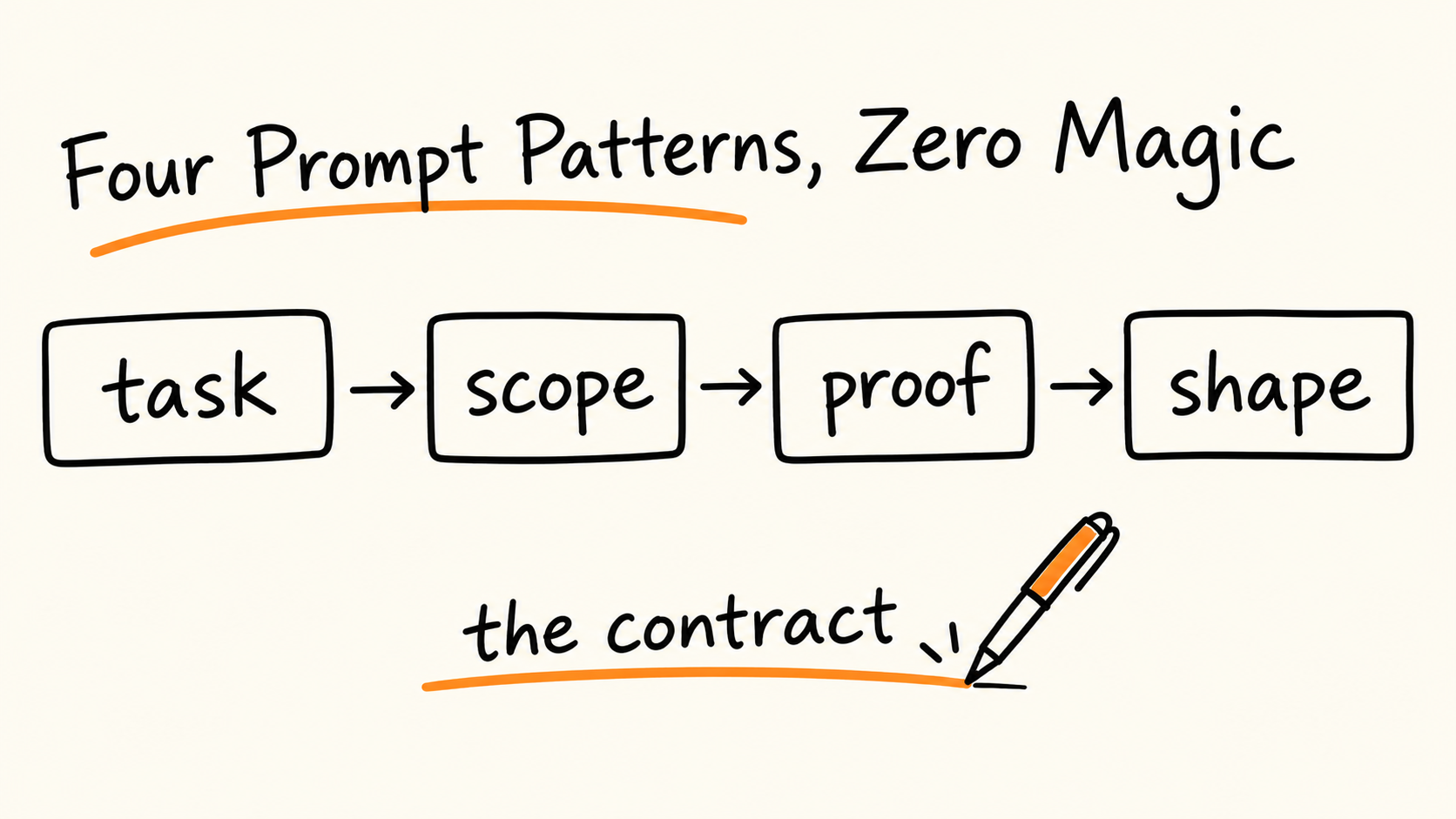
State what's out of scope. The most useful specs name the files and interfaces involved, say what's excluded, and end with an end-to-end verification step.
One caution connects directly to the "reward" idea. Anthropic's Claude 4 prompting guide notes that frontier models can sometimes focus too heavily on making tests pass at the expense of a more general solution. Its suggested fix is to tell the model you want a solution that works for all valid inputs, that tests verify correctness rather than define it, and that it should say so if a test looks wrong or the task looks infeasible. In other words: if the only signal you give is "tests pass," say what the tests are not.
A loop: work, check, read the result, iterate
4. Speak in plain, specific language
Claude doesn't need magic words. It needs precision.
Anthropic's best-practices tables show the pattern in before and after pairs:
Instead of
Try
"add tests for foo.py"
Name the scenario and the constraints: the logged-out edge case, and no mocks
"why is this API weird?"
Point to a source: the file's git history
"add a calendar widget"
Point to an existing pattern in the codebase and say to follow it
"fix the login bug"
Give the symptom, the likely location, and what fixed looks like
Some principles run underneath that:
Be explicit. Newer Claude models follow instructions more precisely, so say what you want and let it go further only if you ask.
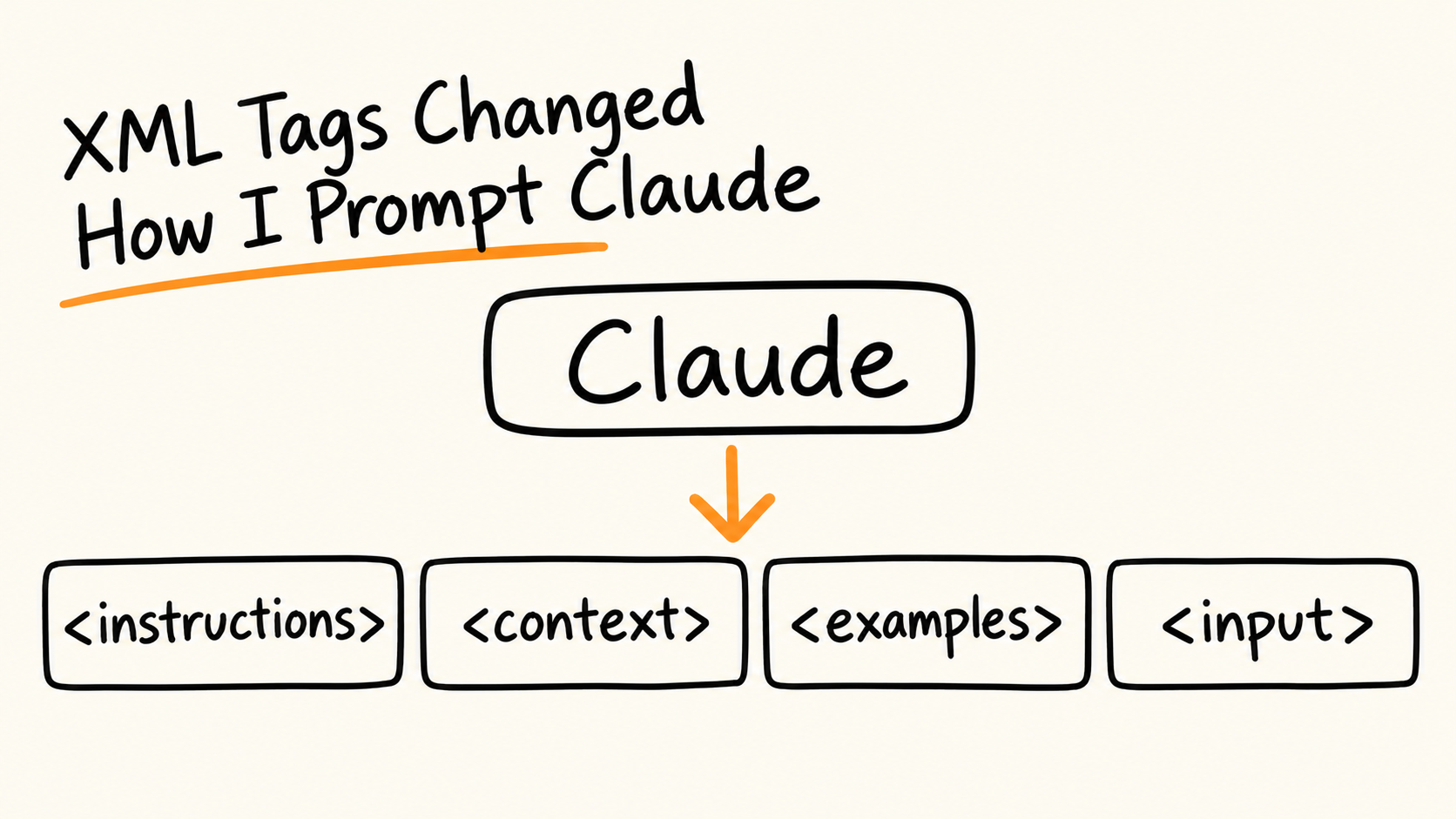
Use structure for complex prompts. Tag instructions, context, and input separately, as in Day 5.
Give the reason. A rule with a "because" generalizes better than a bare command.
Use plain emphasis sparingly. If one CLAUDE.md line keeps getting skipped, emphasize that line alone. Emphasize many, and none stands out.
Vague is fine when you're exploring. A prompt like "what would you improve in this file?" can surface things you wouldn't have asked about. Just don't expect it to be efficient.
Pointing Claude at files with @, pasting a screenshot, or piping in a log gives it facts instead of your description of the facts. That alone removes a lot of guesswork.
5. Revalidate what your helper does
This is the habit the others protect.
The docs name a failure pattern: Claude produces a plausible-looking implementation that doesn't handle edge cases. The fix is to always provide verification, and the guide puts it bluntly: if you can't verify it, don't ship it.
Practical layers, from lightest to heaviest:
Read the diff. Every time, line by line, as if a colleague wrote it.
Run the check yourself. After Claude's check passes, /verify confirms the change against the running app.
Use a fresh pair of eyes. A reviewer running in a fresh subagent context sees only the diff and your criteria, not the reasoning that produced the change. /code-review does this for correctness. For a plan check, write the prompt yourself: name the work, the plan, and what counts as a finding.
Gate the stop deterministically. A Stop hook runs your check as a script and blocks the turn from ending until it passes.
One warning from the docs deserves attention. A reviewer told to find gaps will usually report some, even when the work is sound. Chasing every finding leads to over-engineering, such as extra abstraction, defensive code, and tests for cases that can't happen. Tell the reviewer to flag only gaps that affect correctness or the stated requirements.
And the principle behind all of it: you should be able to explain what you shipped. If a change only makes sense because Claude wrote it, you haven't reviewed it yet.
6. Command the agent properly
Directing an agent isn't a single prompt. It's a short workflow.
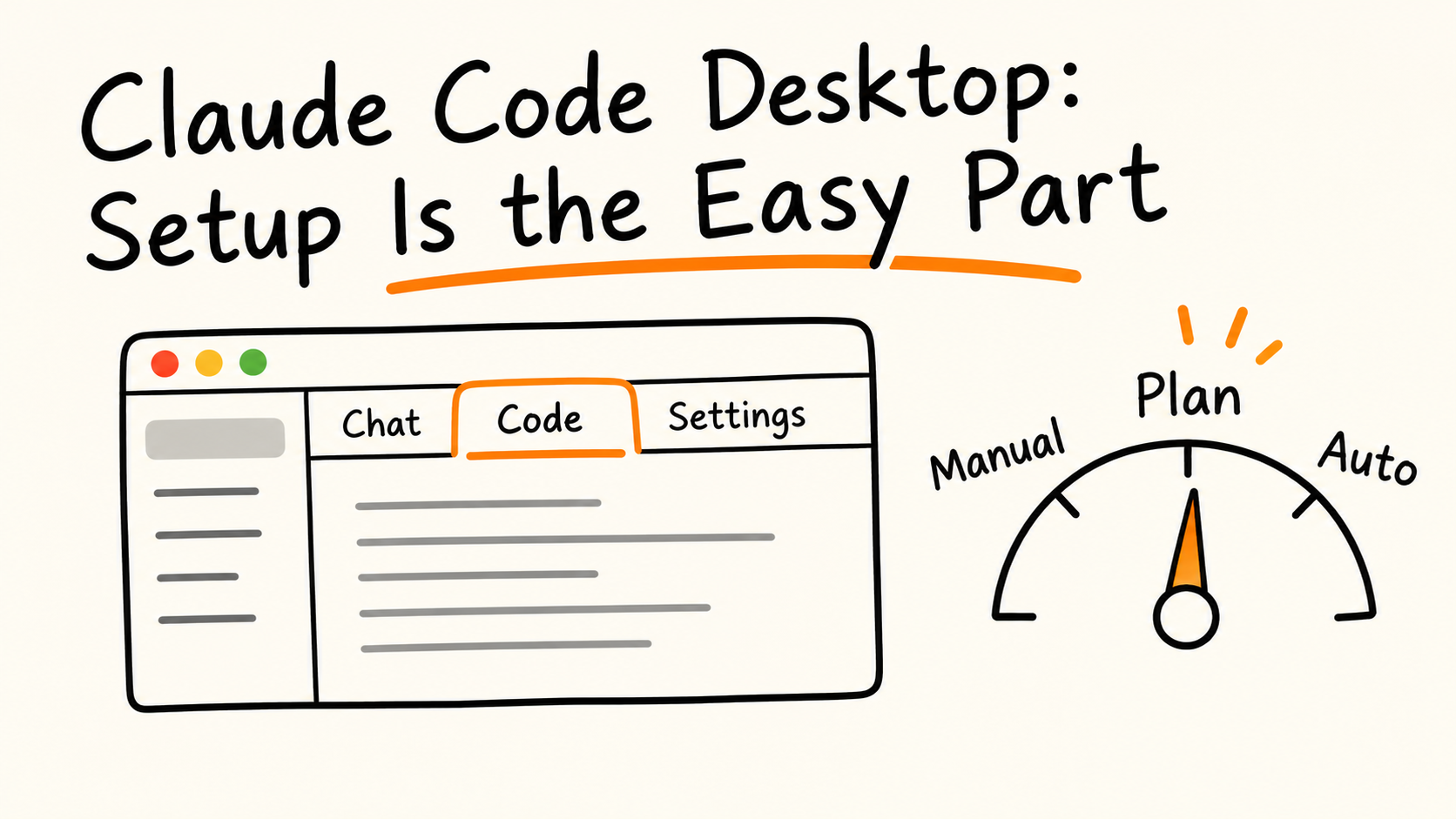
Explore, plan, implement, commit. The docs recommend separating research from coding with plan mode, so Claude doesn't solve the wrong problem. Read the plan, edit it if needed, then let Claude implement and verify against it. There's an honest exception: if you could describe the diff in one sentence, skip the plan.
Let Claude interview you for bigger work. Start with a minimal prompt, have Claude ask about edge cases and trade-offs, and write a spec. Then start a fresh session to execute it, with clean context and a written reference.
Steer early. Press Esc to stop mid-action without losing context. /rewind restores the conversation, the code, or both to an earlier checkpoint. Checkpoints only track edits made through Claude's file tools, so they don't replace git.
Match the guardrail to the risk. CLAUDE.md instructions are advisory. A hook is deterministic and guarantees the action happens, so use hooks for things that must happen every time. Permission allowlists and sandboxing let Claude move faster inside boundaries you set.
Scope subagents. Give each one a clear job and the tools it needs, and delegate noisy investigation to them.
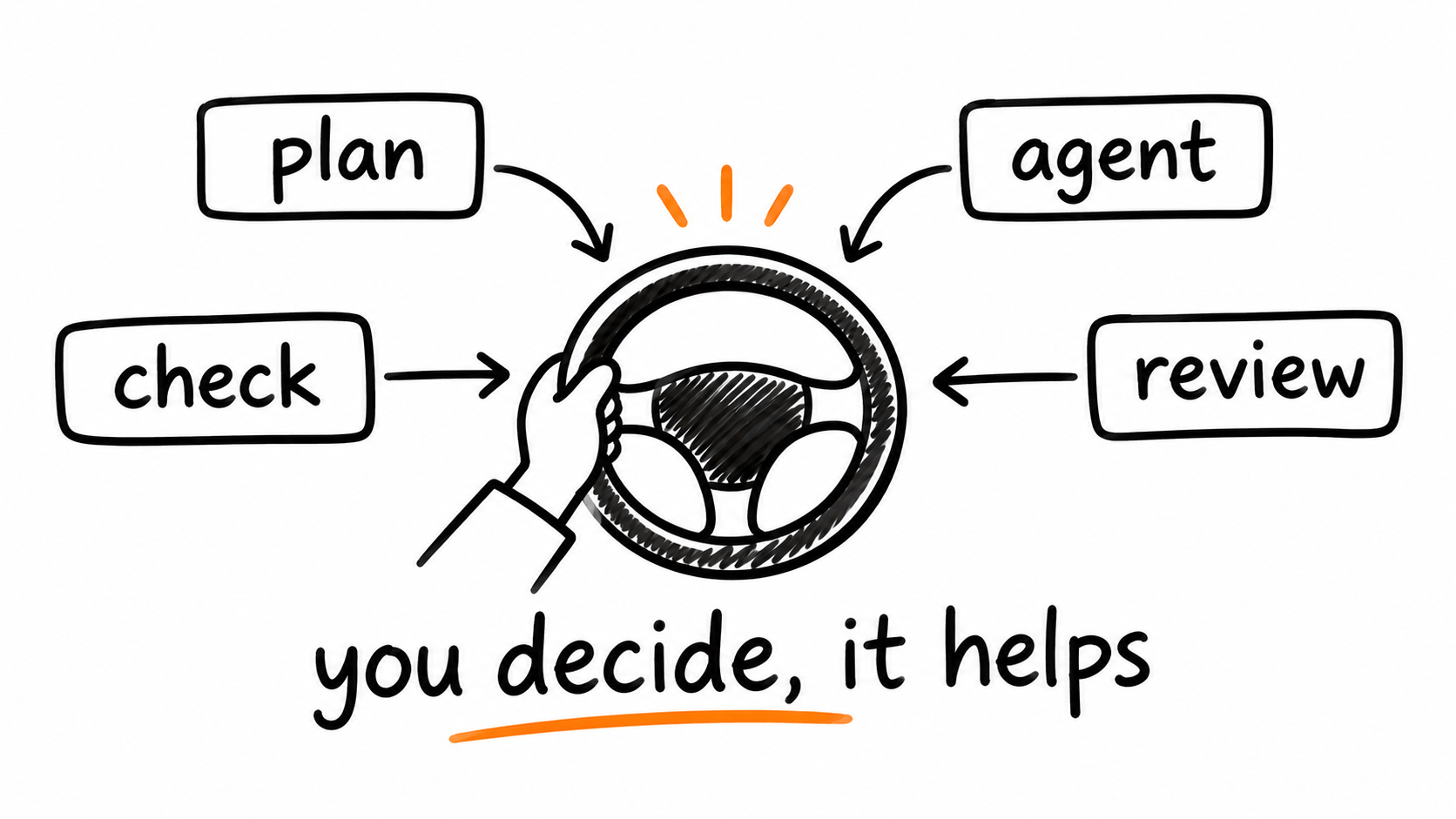
Here is where I'd draw the line, and it's the one I'd hold most firmly. Claude can propose the architecture. You decide it. Claude can write the infrastructure code. You own what runs. Claude can follow the coding standards. You write them down. If the tool disappeared tomorrow, the project should still make sense to you.
A hand on a steering wheel with a plan, an agent, and a check beside it
A one-page checklist
Before you start
Is the task scoped to one thing? If it's unrelated to the last one, /clear.
Do I know what "done" looks like, and can Claude run a check for it?
Is the plan worth a pause? One-sentence diff: skip it. Multi-file or unfamiliar: plan first.
While it runs
Am I watching context? /context shows what's in the window.
Corrected twice already on the same issue? Clear and restart with a sharper prompt.
Is the model and effort level right for this task?
Before you accept
Did I read the diff?
Did I see evidence, not a claim?
Did a fresh reviewer check it against the criteria?
Can I explain this change to someone else?
The skill underneath
The docs end their best-practices guide with a sentence I think is the honest one: the patterns are starting points, not rules. Sometimes you should let context accumulate, because you're deep in a hard problem and the history is valuable. Sometimes a vague prompt is exactly right.
The skill is noticing. When Claude produces something great, notice what you did: the prompt, the context, the mode. When it struggles, ask why. Was the context noisy, the prompt vague, the task too big for one pass?
Do that for a few weeks, and the six habits stop being a list. They become how you work.