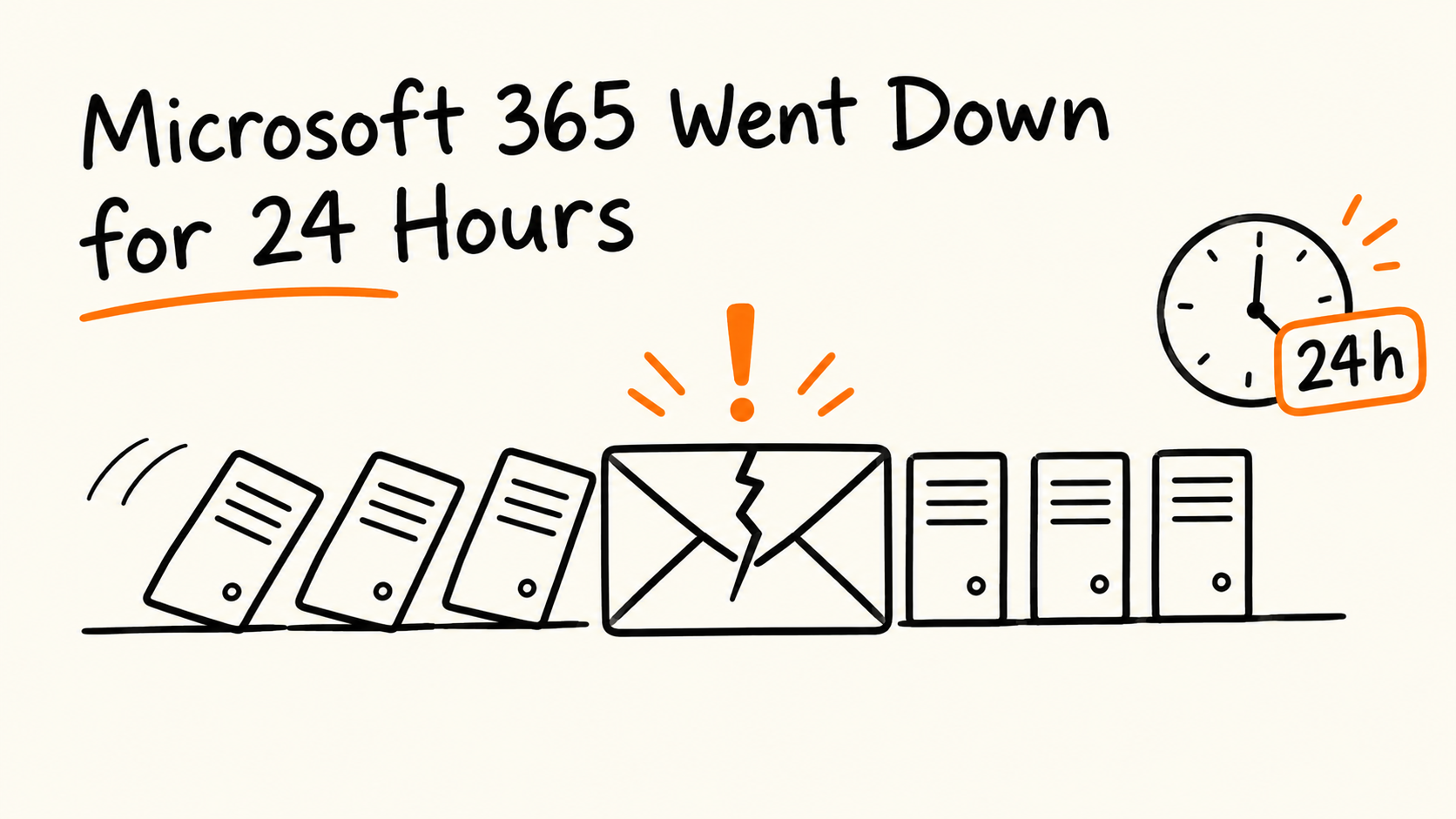
On 2026-11-12, an Exchange Online failure took down Outlook and spread to Teams, SharePoint, Copilot, and Defender. Microsoft reported broad recovery about 24 hours later.
Microsoft says it was not a cyberattack and not related to AI or agents. It attributes the incident to an issue from an earlier network capacity upgrade that surfaced after a recent network change.
The full root cause is not public yet. Microsoft has promised a post-incident report, and I did not find one in the sources I reviewed.
The lessons are not about Microsoft. They are about health checks, out-of-band communication, recovery backlogs, and knowing what your business cannot do without email.
I want to write about it the careful way. Outages like this attract speculation within minutes: a cyberattack, an AI agent gone wrong, a bad patch. Most of it turns out to be noise. So this post sticks to what Microsoft has said, marks what is still unknown, and then gives my view on what developers should take from it.
Sourcing, upfront:
Microsoft hasn't published a blog post about this incident that I could find. Its updates came through the Microsoft 365 admin center, its public status page, and posts on X.
The Microsoft statements quoted here come from news outlets that reproduced them, not from Microsoft's own pages. Those outlets are linked throughout and listed at the end.
Microsoft has promised a post-incident report. As of 2026-11-14, it hasn't been published in any source I checked.
What happened
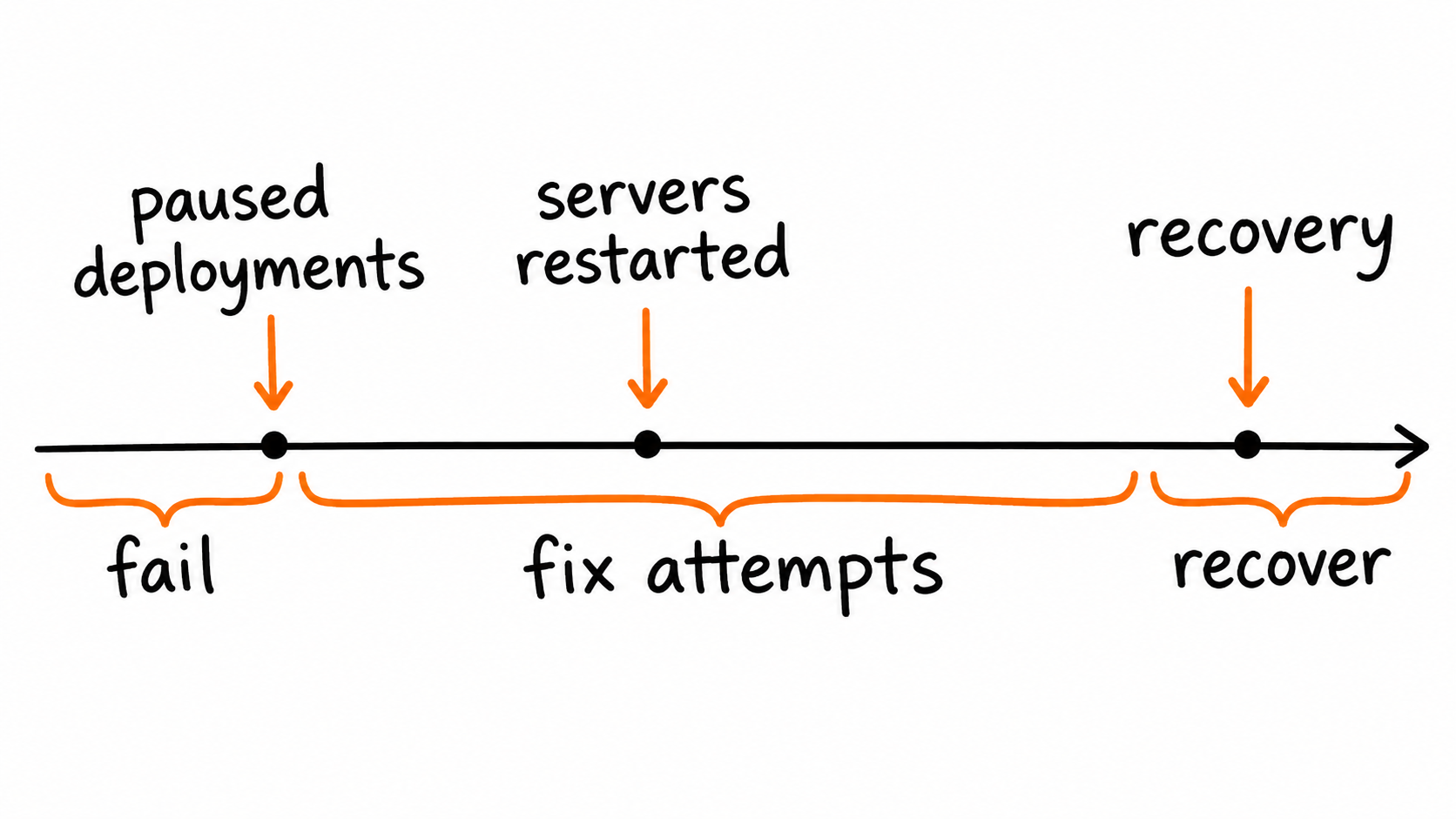
Microsoft tracked the problem under two incidents: EX1550543 for Exchange Online, and MO1550821 for everything that depends on it.
Next day: an earlier upgrade plus a recent change. The cause statement then tied it to an earlier capacity upgrade that surfaced after a recent network change.
These aren't necessarily contradictory. A latent flaw from an earlier upgrade could stay hidden until a later change exposes it. But the post-incident report should reconcile them, and I'd read it closely when it arrives.
What we still don't know
Honest list, as of 2026-11-14:
What the flaw from the earlier upgrade was, and what the recent network change was.
Why servers failed their automated health checks, and why returned servers became unresponsive again under traffic.
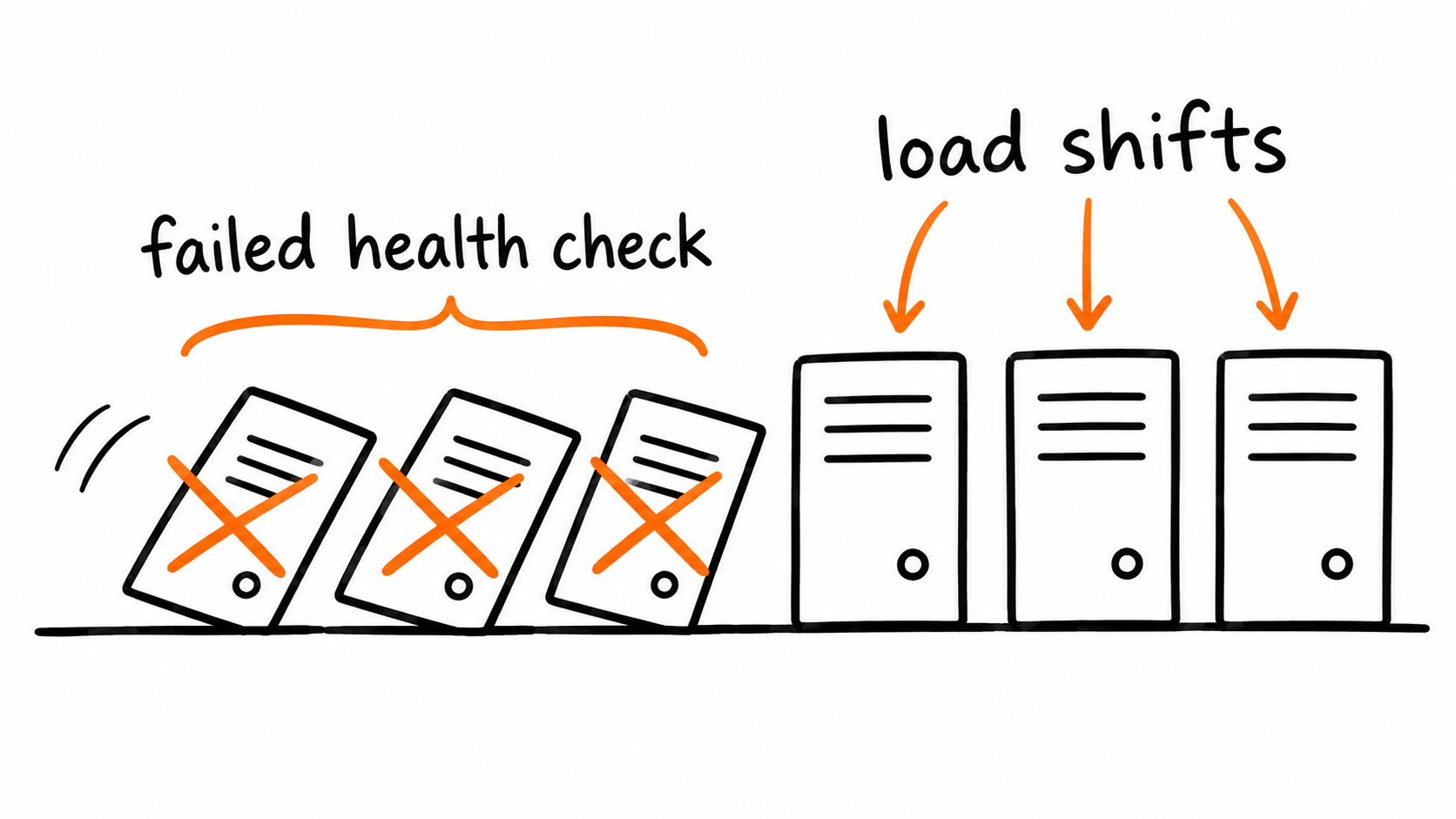
A row of servers falling like dominoes, load shifting to the rest
What developers should take from it
This is my view, not a claim about Microsoft's internals. The post-incident report may change the details. But several lessons hold regardless.
1. Health checks are code that can take you down
Microsoft's own updates describe servers failing automated health checks, dropping out, and pushing load onto the rest. I can't say that was the root cause, and Microsoft hasn't either. But the pattern is well known: automated remediation that removes unhealthy instances can accelerate a failure if too many go at once.
Questions worth asking about your own systems: What happens if every instance fails a check at the same time? Is there a cap on how many can be removed at once? Can an operator turn automatic removal off during an incident? I've written about health checks on this blog before, and the answer to the last question is usually "not as easily as we'd like."
2. Your communication channel can't depend on the thing that's down
For a stretch of the incident, Microsoft's own status page wasn't loading, and updates went out on X instead. Admins who couldn't reach the admin center needed another route. Publish status from infrastructure that doesn't share fate with your product, and tell customers where to look before the outage happens.
3. Recovery has its own failure mode
Microsoft said it restored services gradually, validating at each stage, because of the scale of demand. And it extended Outlook's email timeout window to 48 hours so delayed messages wouldn't be lost. Both reflect something every team learns eventually: when a system comes back, a backlog and a wave of reconnecting clients arrive with it. Design for the second spike, not just the first failure.
4. Know what you can't do without email
One expert quoted by TechRadar argued that a second service for resilience is easy to recommend and almost impossible to adopt in practice, because tools differ and few systems work with both. That's a fair point. You probably can't replace Microsoft 365 overnight.
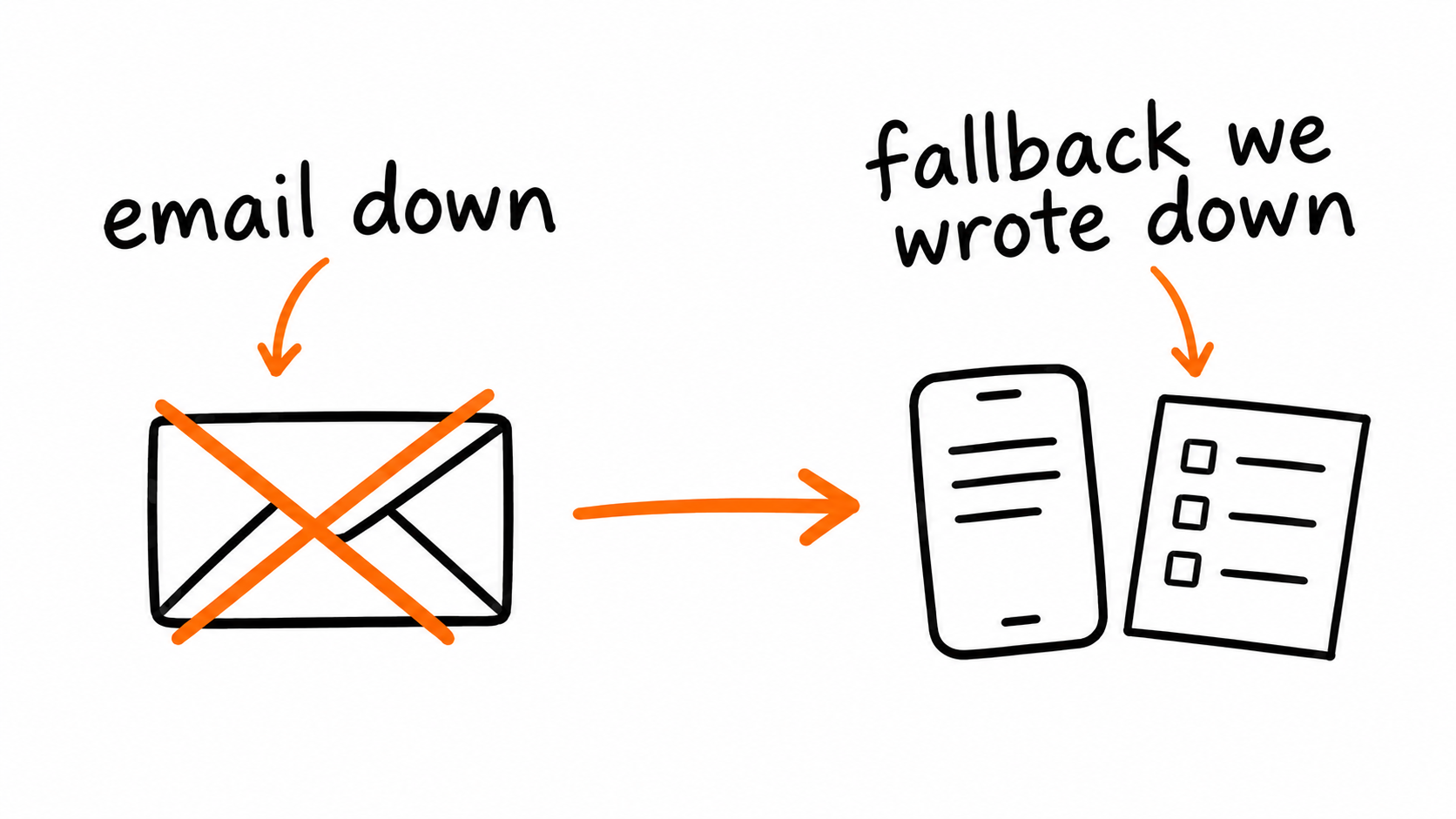
What you can do is map your dependencies. Which of your processes silently require email? Password resets, approvals, alerts, customer replies. Which of those are time-critical? Write the manual fallback down before you need it, such as a phone tree or a second alert channel. The UK police advice to call 101 is exactly this: a pre-agreed fallback for the thing that matters.
This is the same lesson as the model-suspension post I wrote recently. Dependence you haven't mapped is risk you haven't priced. The vendor is different. The principle isn't.
For engineers, the discipline is the one we apply to incidents of our own: say what is confirmed, say what isn't, and hold the root cause until the evidence is in.
A phone, a paper checklist, and an offline mail icon
A latent problem, a network change, and a fleet of servers that stopped responding took down email for two workdays. Microsoft says it wasn't an attack and wasn't AI. The report that explains the rest isn't out yet.
When it arrives, read it. And in the meantime, write down what your business does when email is gone.
Microsoft's own channels, as relayed by the outlets above: the Microsoft 365 admin center (incidents EX1550543 and MO1550821), the public status page at status.cloud.microsoft, and the @MSFT365Status and @Microsoft accounts on X.