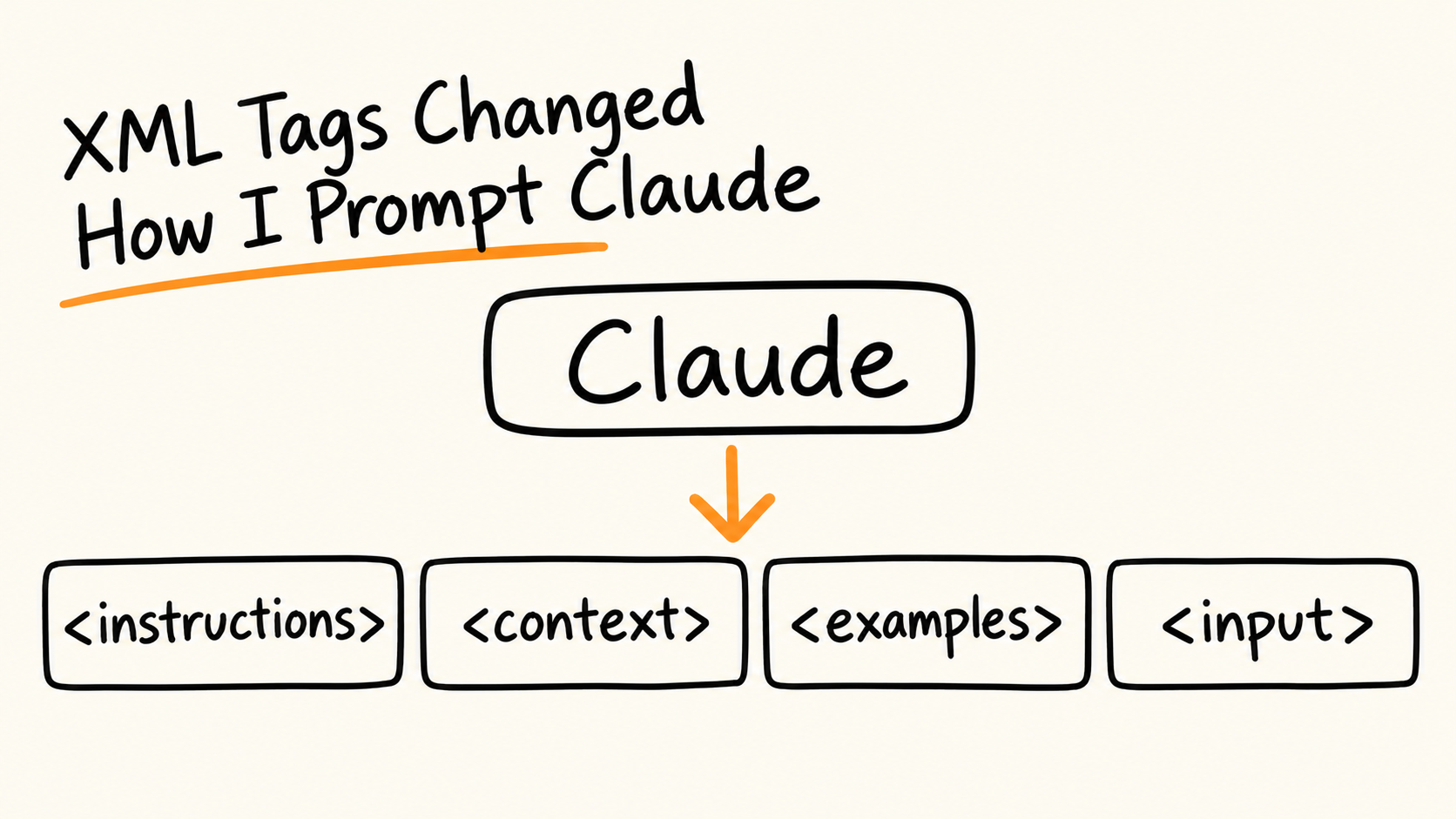
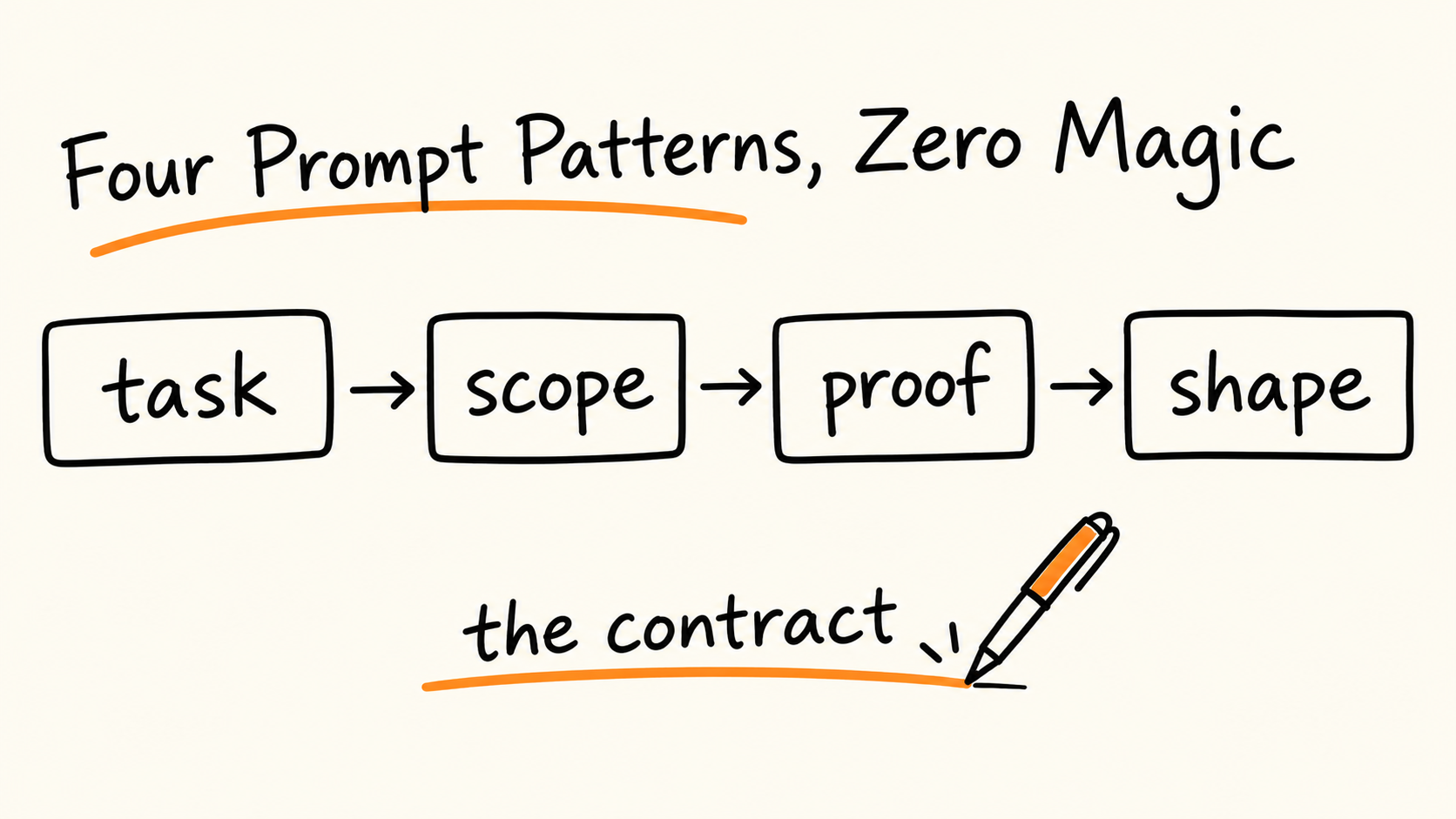
XML tags give each kind of content in a prompt its own labeled box: instructions, context, examples, input. Anthropic's docs say this reduces misinterpretation in complex prompts.
There is no magic tag list. The docs say no specific tag names are canonical; use consistent, descriptive names and refer to them by name in your instructions.
Tag the output you need to parse, not the model's reasoning. On newer models, asking Claude to write its reasoning in thinking tags may be declined.
Tags organize a prompt. They are not a security boundary, and I haven't benchmarked any of this. Test the change on your own inputs.
The most useful advice in Anthropic's prompting docs is also the least glamorous.
Put each kind of content in its own labeled box.
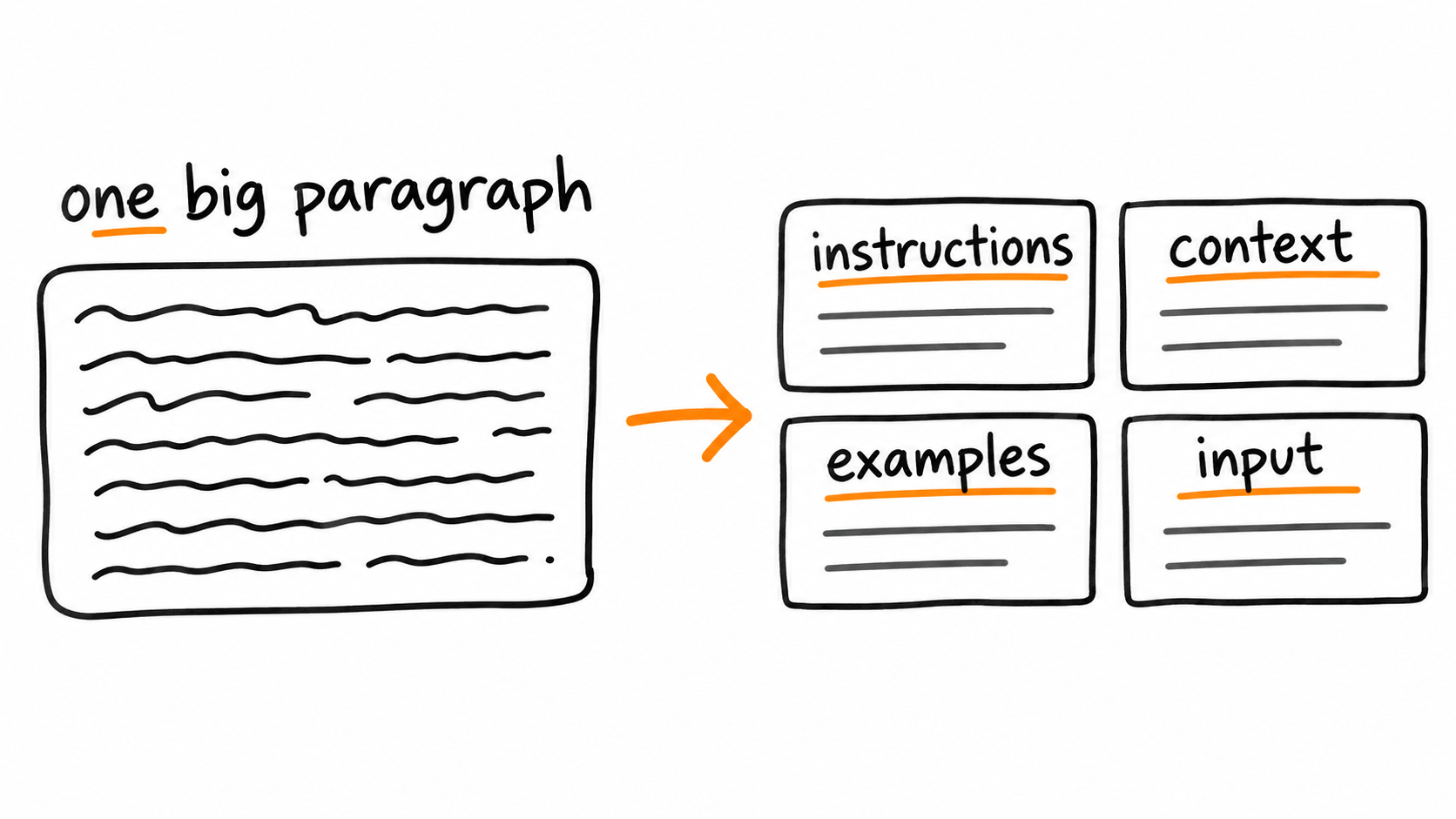
That's it. Instructions in one box, background in another, examples in a third, the actual input in a fourth. Anthropic's guide says XML tags help Claude parse complex prompts without ambiguity, especially when a prompt mixes instructions, context, examples, and variable inputs.
This post is the framework I'd use, with before and after prompts you can copy.
Scope, upfront: I did not benchmark any of this. The before and after examples are prompts I wrote to show the structure, not measured results. Everything factual comes from Anthropic's documentation as of 2026-11-09, and I mark my own reasoning as reasoning. At the end there's a small harness so you can test it on your own inputs.
What XML tags actually do
Start with what they are not. There is no special schema. Anthropic's older XML guide says there are no canonical "best" tags Claude was trained on in particular. Name your tags after the content they hold.
The docs give three reasons to use them:
Clarity. Wrapping each content type in its own tag reduces misinterpretation.
Flexibility. You can find, add, remove, or change one part of a prompt without rewriting everything.
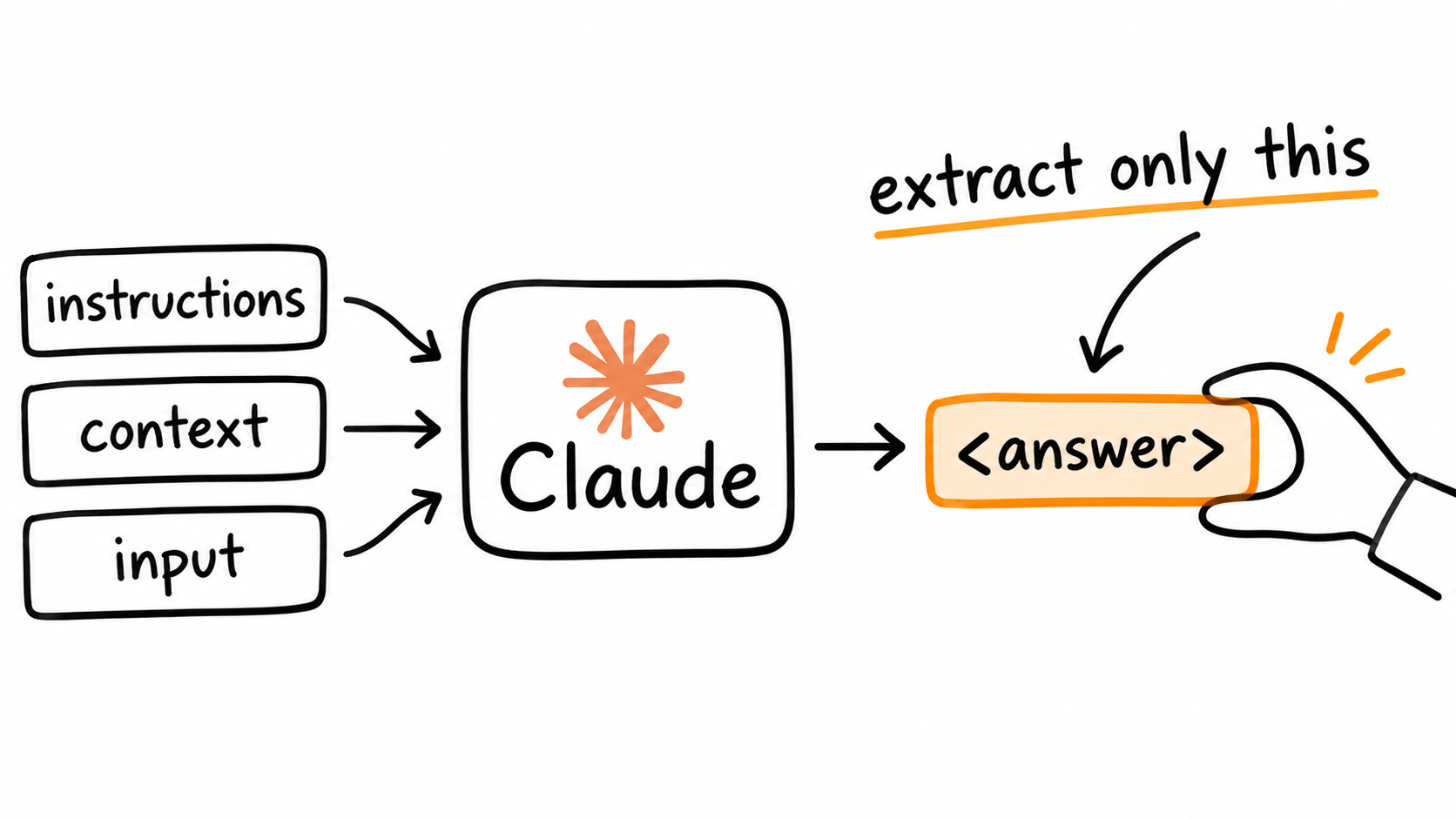
Parseability. If Claude uses tags in its output, you can extract specific parts by post-processing.
And a short rulebook:
Use consistent, descriptive tag names across your prompts.
Refer to the tag names when you talk about the content, for example "using the contract in tags."
Nest tags when the content has a natural hierarchy.
A messy wall of text next to the same content in labeled boxes
Before and after: a code review prompt
Here is a prompt most of us have written. Instructions, a style example, and the code are all in one stream.
Before:
Review the code below. We use TypeScript strict mode and like small functions.Flag security problems first. I like comments like "Rename data to invoiceRowsso the intent is clear." Give me a list of comments.function total(data) { return data.reduce((a, b) => a + b.amount, 0) }Also check it handles empty arrays.
Look at what this invites. The sample comment sits in the middle of the instructions, so the line between "example of tone" and "feedback to apply" is blurry. The code runs straight into a trailing instruction. And nothing says what the output should look like, beyond "a list." I haven't measured how often this goes wrong. But every one of those is a place where the model has to guess where one thing ends and another begins.
After:
<instructions>Review the code in <code> tags against the standards in <standards> tags.Flag security problems first, then correctness, then style.Check that empty input is handled.Match the tone of the comment in <example> tags.Put each piece of feedback in <comment> tags and finish with a one-line <verdict>.</instructions><standards>TypeScript strict mode. Prefer small, single-purpose functions.</standards><example>Rename `data` to `invoiceRows` so the intent is clear.</example><code>function total(data) { return data.reduce((a, b) => a + b.amount, 0) }</code>
Notice three things. Each content type has one home. The instructions point at the boxes by name. And the stray "also check empty arrays" moved into the instructions where it belongs.
Before and after: many documents
This is where tags help most. For large, data-rich prompts (the docs mention 20k+ tokens), Anthropic's guidance has three parts:
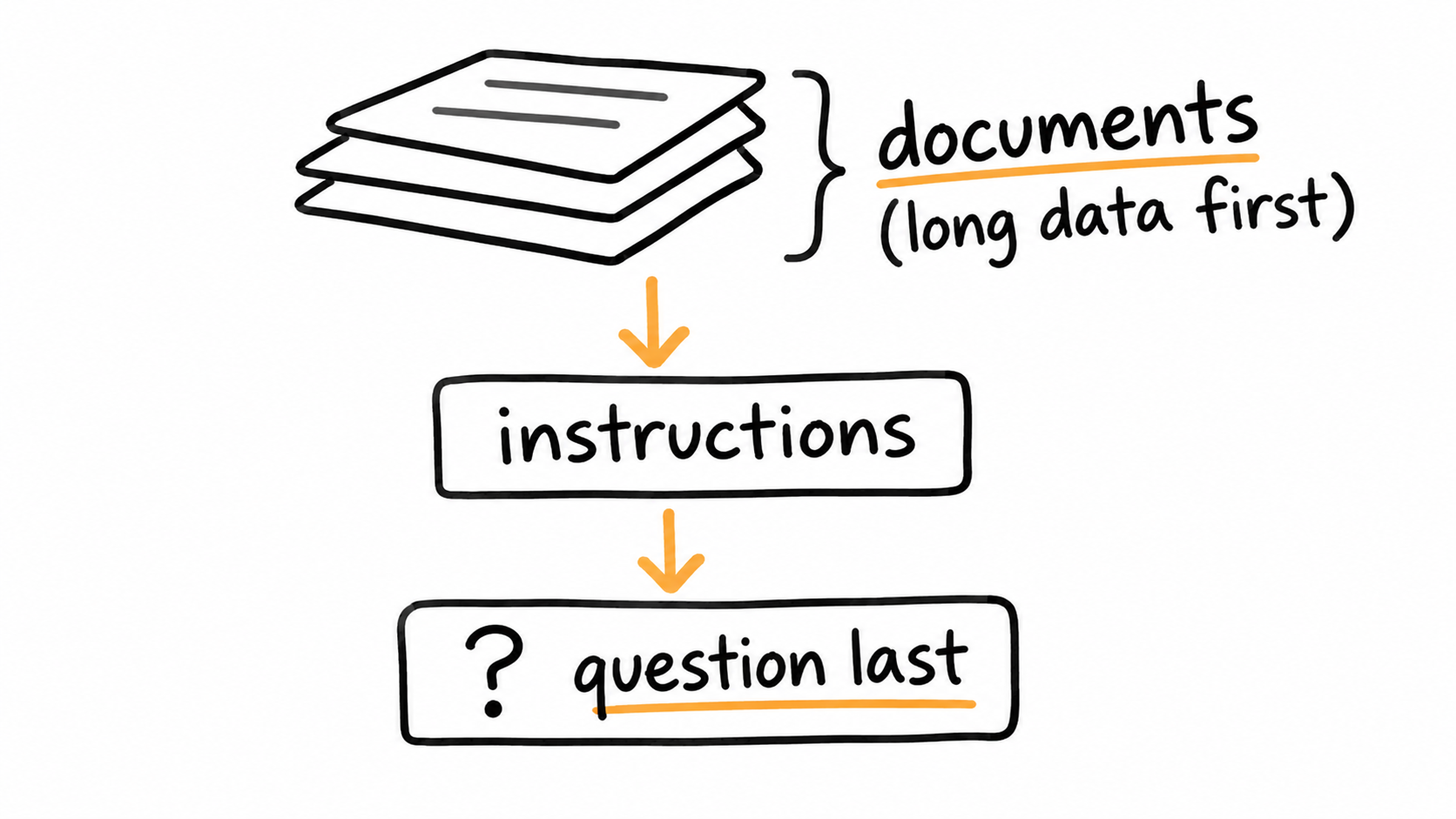
Put long documents at the top, above your query, instructions, and examples.
Put the question at the end. The docs say queries at the end can improve response quality by up to 30 percent in tests, especially with complex multidocument inputs. Note that this figure is about where you place the query, not about XML itself.
Wrap each document in tags with and subtags.
Before:
Here are three incident postmortems. [pastes all three, back to back]What were the common root causes? Quote them.
After:
<documents> <document index="1"> <source>postmortem-2026-07.md</source> <document_content> {{POSTMORTEM_1}} </document_content> </document> <document index="2"> <source>postmortem-2026-08.md</source> <document_content> {{POSTMORTEM_2}} </document_content> </document></documents>Find quotes from the documents that show root causes. Place them in <quotes> tags.Then, based on those quotes, list the causes that appear in more than one documentin <common_causes> tags.Question: What were the common root causes?
Two details are worth stealing. The tag lets Claude tell you which document a claim came from. And the quote-first step comes straight from the docs: for long document tasks, ask Claude to quote the relevant parts before doing the task, which helps it focus on the relevant content and ignore the rest.
A stack of documents on top, the question at the bottom
Tag the output, not the reasoning
Here is the part that has changed, and where older tutorials may lead you astray.
Tags also work on the way out. The docs suggest two techniques:
XML format indicators. Instead of telling Claude what not to do ("don't use markdown"), tell it what to do, such as writing the prose parts of the response inside a named tag.
Match your prompt style to the output you want. The docs say removing markdown from your prompt can reduce markdown in the response.
Then you parse it:
import redefextract(tag: str, text: str) -> str|None: m = re.search(rf"<{tag}>(.*?)</{tag}>", text, re.DOTALL)return m.group(1).strip() if m elseNonecomments = re.findall(r"<comment>(.*?)</comment>", reply_text, re.DOTALL)verdict = extract("verdict", reply_text)
Two cautions. First, if you need a guaranteed schema, Anthropic offers structured outputs for that. Tags are a lightweight way to section a response, not a contract. Second, parse defensively: handle the case where a tag is missing.
Now the shift. Older guides teach chain of thought with and tags. The current docs say that on Claude Fable 5.1, Fable 5, Opus 5.5, Opus 5, and Sonnet 5.5, you should rely on built-in thinking instead, because [a prompt asking the model to write out its reasoning in tags may be declined](https://platform.claude.com/docs/en/build-with-claude/refusals-and-fallback#keep-reasoning-in-thinking-blocks). When thinking is off, the docs still describe asking for step-by-step reasoning and putting the final result in tags so you can extract it.
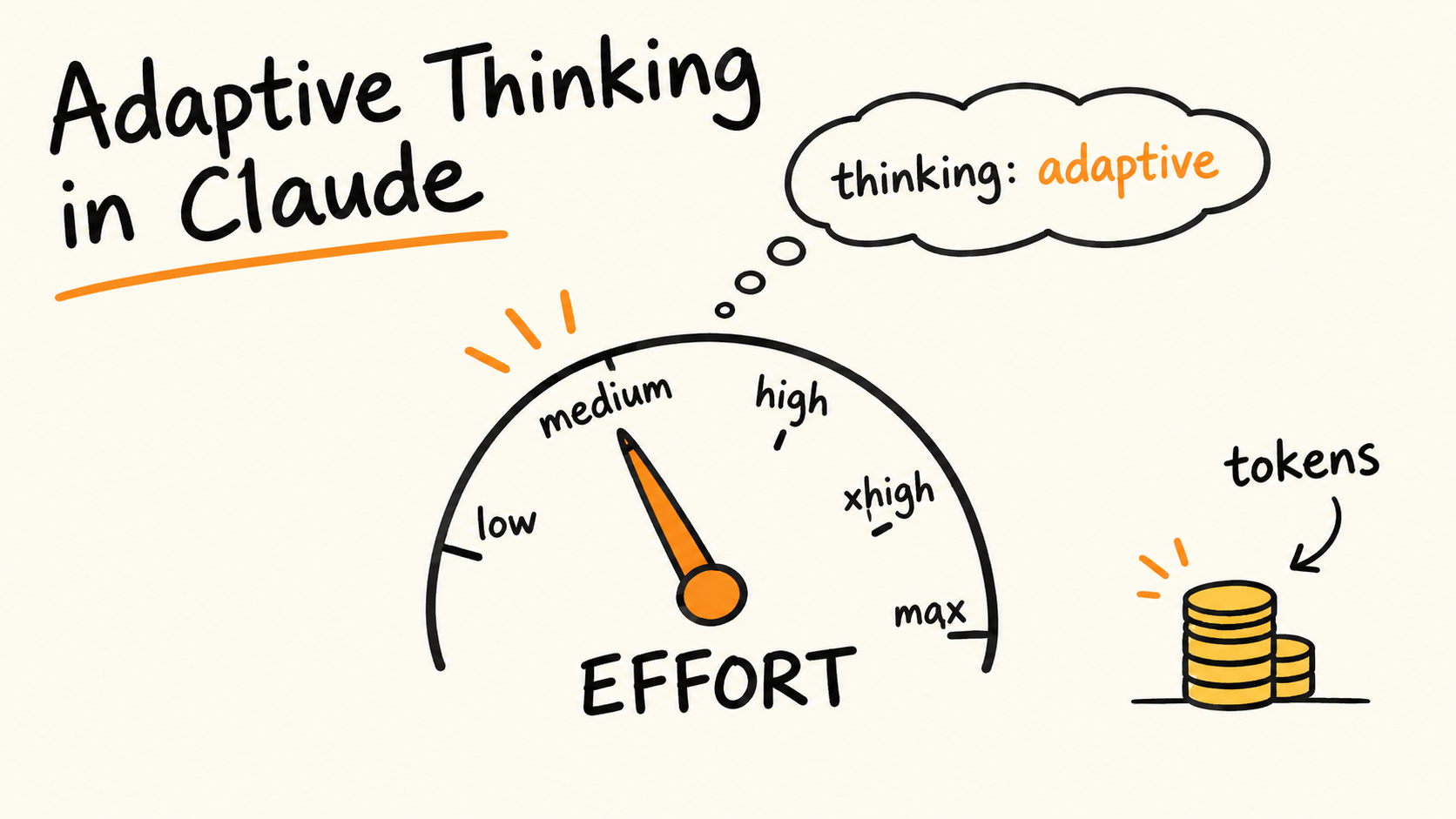
The takeaway: tag the thing you need to extract. Don't try to tag the model's reasoning. If you want the reasoning, read the thinking blocks (see Day 4 on adaptive thinking).
Name your behavior blocks
One more pattern, and it is hiding in plain sight. Look at the sample system prompts in Anthropic's docs and you'll notice the behavior rules are wrapped in tags named after the behavior: , , .
Why this is smart (my reasoning, built on the docs' "flexibility" point): prompts need maintenance. The docs repeatedly say instructions tuned for older models can backfire on newer ones. For example, verification instructions carried over from earlier prompts can cause over-verification on Claude Opus 5, and the docs say to remove them. If each rule lives in its own named block, removing one is a one-line delete, not surgery on a paragraph.
A related tip from the same docs: where you once wrote "CRITICAL: You MUST use this tool," newer models respond better to normal language like "use this tool when..." Shouting can cause overtriggering.
Input boxes flowing into a model and one answer box being extracted
The framework
Here is the skeleton I'd start from. Order matters: data first, question last.
<documents> <!-- long inputs go first --> <document index="1"> <source>...</source> <document_content>...</document_content> </document></documents><instructions> <!-- what to do, in order --> ...</instructions><context> <!-- why it matters, standards, constraints --> ...</context><examples> <!-- 3 to 5 is the docs' suggestion --> <example>...</example></examples><input> <!-- the variable part of this request --> ...</input><output_format> <!-- name the tags you will parse --> ...</output_format>Question or task, last.
And the rules, condensed:
One tag per content type. Never mix instructions and data in the same box.
Consistent names across every prompt in your codebase.
Name tags after meaning, not position. beats .
Refer to tags by name in your instructions.
Nest for hierarchy: documents inside .
Long data on top, question at the end.
Wrap examples in and , make them relevant and diverse, and aim for the 3 to 5 the docs suggest.
Tag the output you parse, and handle a missing tag.
Give your reason. The docs say context or motivation behind an instruction helps Claude generalize, such as explaining that output will be read aloud by a text-to-speech engine.
What tags do not do
Three limits, so you don't over-trust this.
Tags don't fix a vague prompt. The docs' own test applies: show the prompt to a colleague with no context. If they would be confused, Claude will be too.
Tags are not a security boundary. This is my reasoning, not a documented claim. Text inside your tag can contain anything, including a fake closing tag and new instructions. Treat tagged user content as untrusted. Use tags to organize, not to sandbox.
They don't remove the need to test. Anthropic's docs consistently say to evaluate on your own workload.
Test it on your own inputs
Here is a small harness for a fair comparison. Keep model, effort, and thinking settings identical across both prompts (that was the lesson of Day 4). Otherwise you're measuring settings, not structure.
defpass_rate(template: str, cases: list[dict]) -> float: passed =0for case in cases: prompt = template.replace("{{INPUT}}", case["input"]) r = client.messages.create(model="claude-haiku-5-5",max_tokens=4000, # leave room for thinkingmessages=[{"role": "user", "content": prompt}], ) text ="".join(b.text for b in r.content if b.type =="text") passed +=bool(check(text, case)) # your own pass/fail checkreturn passed /len(cases)print("flat:", pass_rate(FLAT_PROMPT, CASES))print("tagged:", pass_rate(TAGGED_PROMPT, CASES))
Use 20 or more real cases, include the awkward ones, and write check to test something concrete: a parsed tag exists, a quote appears in the source, a field matches. If the tagged version doesn't beat the flat one on your task, that is useful to know.
What I haven't tested
No benchmarks. I didn't measure accuracy, token use, or latency with and without tags. The before and after prompts show structure, not results.
Model differences. The docs say behavior varies by model, and where a technique names a specific model, re-check it on yours. I tested none.
Docs move. This reflects documentation read on 2026-11-09.
The security point is reasoning. I believe it, but it isn't from Anthropic's docs.
The short version
Give every kind of content its own labeled box. Name the boxes after what's inside. Put the long data first and the question last. Tag what you need to extract, and leave the model's reasoning to the thinking blocks.
It's not clever. That's the point. A prompt where nothing can be mistaken for anything else leaves the model less to guess.