I'll be honest. A year ago, if you told me I'd be having full conversations with an AI while building features at work, I would have laughed. Not because I didn't believe the tech was coming, but because I didn't think it would actually be useful in the messy, context-heavy, "why is this CSS not working" reality of day-to-day development.
I was wrong.
I now use AI tools almost every day. Not as a replacement for thinking, but as something closer to a really fast colleague who never gets annoyed when I ask dumb questions at 11 PM. But I've also learned where it falls apart, where it confidently leads you off a cliff, and where I personally choose to not use it at all.
This is that breakdown.
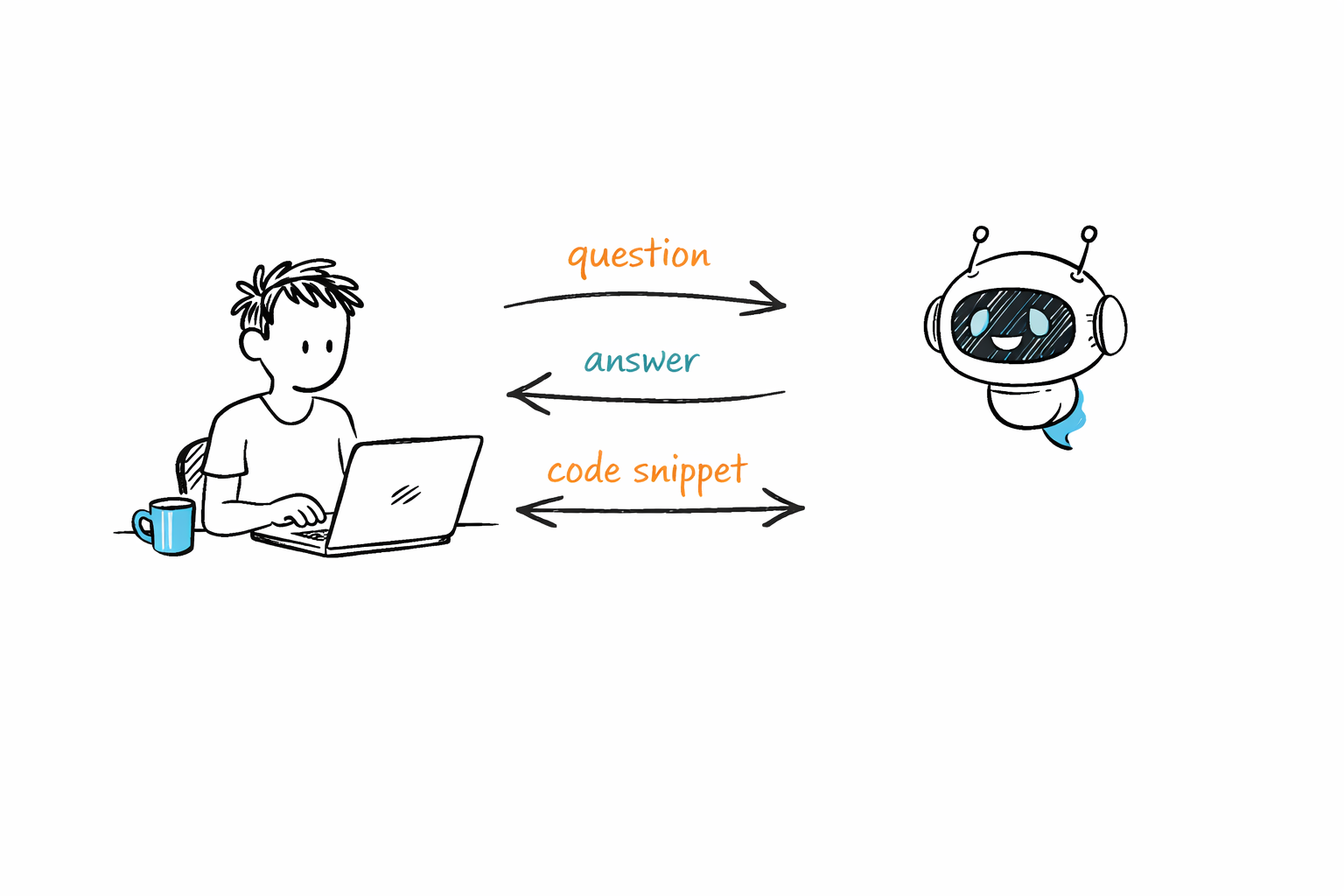
A hand-drawn sketch of a developer at a laptop exchanging questions, answers, and code snippets with an AI robot companion
What Actually Works
Let me start with the stuff that has genuinely changed how I work. Not in a "this is the future" hype way, but in a "this saved me 45 minutes today" way.
Debugging Partner
This is the single biggest win. When I'm staring at an error message that makes no sense, or a component that renders fine locally but breaks in production, explaining the problem to an AI often gets me to the answer faster than StackOverflow ever did.
We had a page that got progressively slower the longer a user kept it open. No errors, no warnings, just gradual performance degradation. I described the component tree and the observable patterns we were using, and Claude caught that a switchMap inside a nested subscription wasn't completing when the parent component destroyed, because the outer observable was tied to a shared service that lived outside the component lifecycle. The subscription kept piling up silently. Not something you'd catch in a code review unless you were specifically looking for it.
The key here is that AI doesn't just search for your error message. It reasons about the interaction between different parts of your code. That's the difference.
Boilerplate and Repetitive Code
I write a lot of Angular components at work and React components for my personal projects. The amount of boilerplate involved in setting up a new component, a service, a route configuration, a form with validation, is significant. AI handles this extremely well.
I describe what I need in plain English. "Create an Angular component that takes a list of items and displays them in a table with sorting and a tooltip on each status column." And I get back something that's 80-90% correct. The remaining 10-20% is where my actual expertise comes in, adjusting it to fit our codebase, our styling conventions, our state management patterns.
That last bit is important. AI gives you a starting point. Your job is to shape it into something that belongs in your project.
Learning New Concepts
When I was exploring machine learning, I worked through algorithms like logistic regression, KNN, and Naive Bayes. AI was incredibly helpful here, not to write the code for me, but to explain the intuition behind the math.
"Why does KNN struggle with high-dimensional data?" is the kind of question where a textbook gives you a formal answer and AI gives you an analogy that actually clicks. Both are useful, but when you're learning something new and just need to build intuition, the conversational explanation is faster.
Same thing happened when I was setting up my blog with Next.js and MDX. I had questions about static generation, dynamic routes, metadata APIs. Instead of reading through three different docs pages and piecing it together, I could ask one question and get a focused answer with context.
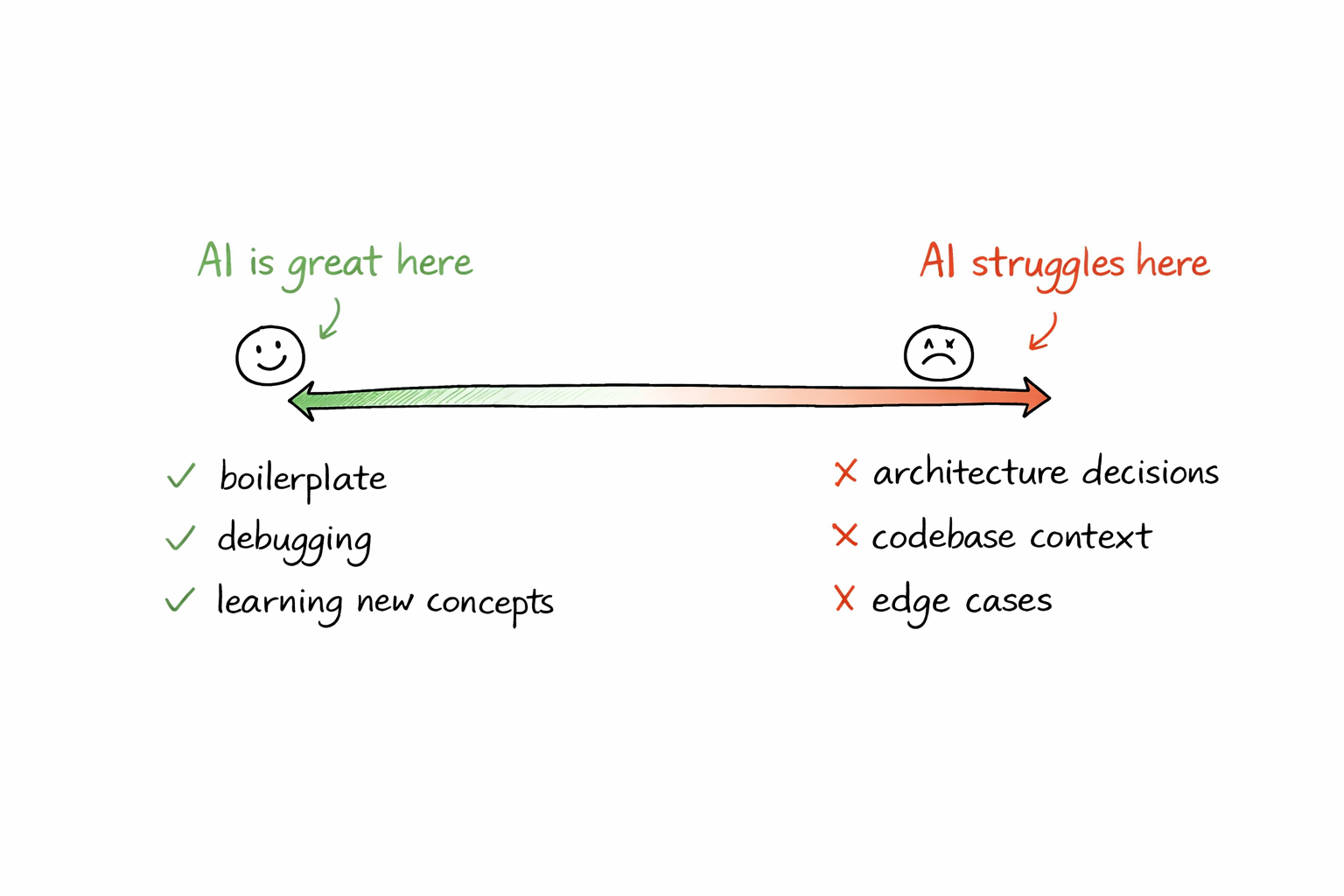
A hand-drawn spectrum showing where AI helps developers most versus where it struggles
What Doesn't Work
Now for the part that most "AI is amazing" posts skip.
Complex Architecture Decisions
If you ask an AI "should I use microservices or a monolith for my project?" you'll get a perfectly structured answer covering pros and cons. It'll sound smart. It'll be technically correct.
And it'll be almost useless.
Because architecture decisions aren't about listing trade-offs. They're about understanding your team's size, your deployment constraints, your timeline, your existing infrastructure, and a hundred other things that are specific to your situation. AI doesn't know any of that unless you spell out every detail, and even then, it lacks the judgment that comes from having been burned by a bad architecture choice before.
I'm working toward becoming a Solutions Architect, and this is one area where I'm very clear with myself. AI can help me explore options. It cannot make the decision. If I let it, I'm not growing. I'm just outsourcing judgment.
Anything Involving Your Specific Codebase
AI doesn't know your codebase. It doesn't know that your team uses a custom wrapper around HttpClient, or that there's a shared utility function that already does exactly what it's about to rewrite from scratch, or that the naming convention it's using will get rejected in code review.
I've seen this play out multiple times. AI generates clean, well-structured code that would be perfect in a greenfield project and completely wrong in the context of an existing codebase. You paste it in, it works, and then a senior dev asks "why didn't you use the shared service?" in the PR.
The solution isn't to stop using AI here. It's to treat everything it generates as a draft, not a commit.
Long, Multi-Step Refactors
Ask AI to refactor a single function? Great. Ask it to refactor an entire module with interconnected dependencies, shared state, and side effects? You're going to have a bad time.
AI loses context. It forgets what it told you three messages ago. It'll refactor file A in a way that breaks file B, which it doesn't know about. For anything that spans more than one file and a handful of functions, I've found it faster to do it manually with AI helping on individual pieces rather than trying to hand it the whole job.
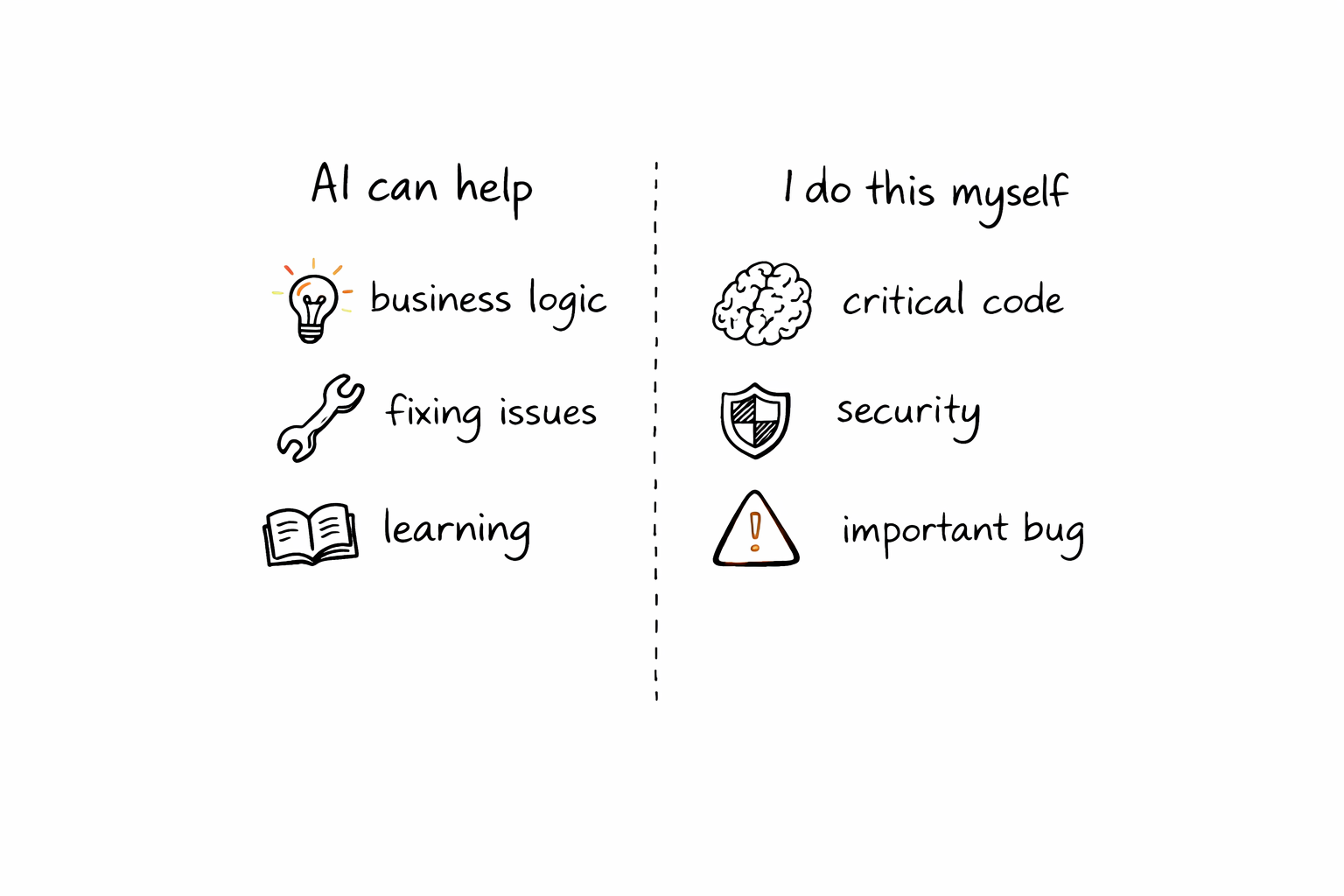
A sketch showing the line between what AI handles and what the developer owns
Where I Draw the Line
This is the section that's personal. Other developers will draw their lines differently, and that's fine. But here's where I've landed after months of using these tools daily.
I Don't Let AI Write Code I Don't Understand
This sounds obvious, but it's surprisingly easy to violate. You ask for a regex, it gives you one, it works, you move on. Two weeks later something breaks and you're staring at a pattern you can't read.
If AI gives me something and I can't explain what every part of it does, I either ask it to break it down or I rewrite it myself. Code I can't explain is code I can't debug, and code I can't debug is a liability.
I Don't Use It for Critical Business Logic
The authorization layer that decides who can access what, and under which conditions a token gets revoked? The logic that determines whether a user's session should escalate to re-authentication? No. One wrong boolean and you've either locked out legitimate users or opened a door that should stay shut. AI can help me map out the scenarios, but I'm writing every line of that myself.
It's the same reason you wouldn't let an intern write your payment processing system unsupervised. The cost of getting it wrong is too high.
I Don't Skip the Learning
This is the big one. When I was working through ML algorithms, I could have asked AI to just give me the final implementation. Instead, I worked through each one step by step, asking questions along the way but writing the code myself.
If I'm building something to learn, AI is a tutor. If I'm building something to ship, AI is a coworker. The distinction matters because using it as a coworker when you should be learning means you end up with gaps in your understanding that compound over time.
I Don't Trust It Blindly on Encoding, Localization, or Edge Cases
I learned this the hard way working on UTF-8 encoding for Swedish characters in ZIP files. AI gave me a solution that worked for English but broke on characters like å, ä, ö. These are the kinds of edge cases where AI tends to give you the "common" answer that works for 90% of cases and silently fails on your specific case.
Encoding, localization, timezone handling, currency formatting. If it's in this category, I verify everything manually.
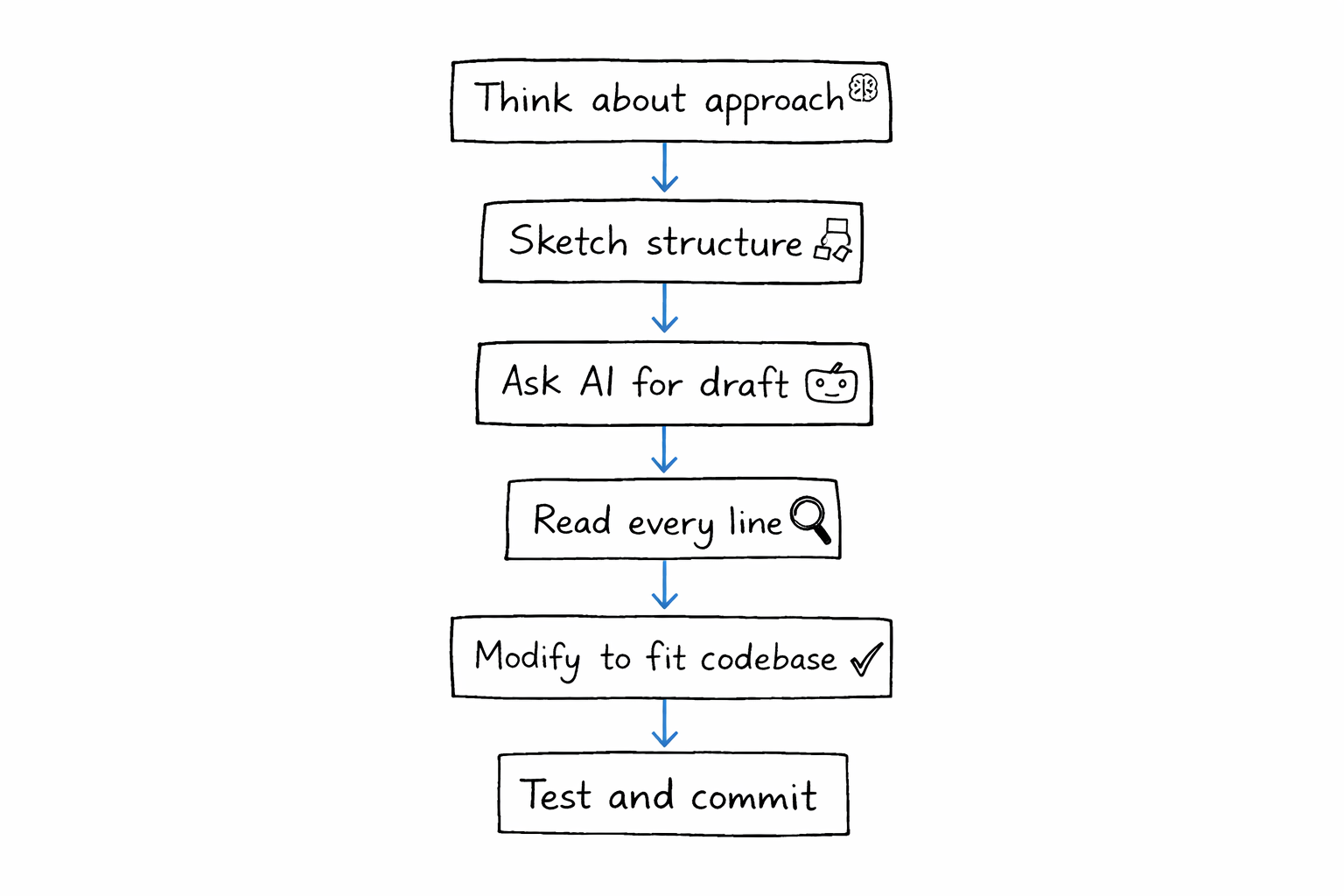
A hand-drawn flowchart of how AI fits into a developer's daily workflow
My Actual Workflow
So what does this look like in practice? Here's roughly how AI fits into my day.
When I start a new feature, I think about the approach first. I sketch out the component structure, the data flow, the API contracts. This part is mine. Then when it's time to write code, I'll often describe what I need to AI and use its output as a starting point. I read every line, modify it to fit our patterns, and test it.
When I'm stuck on a bug, I describe the symptoms to AI before I start Googling. About half the time, it gets me to the answer faster. The other half, it sends me in the wrong direction and I fall back to traditional debugging.
When I'm writing for my blog, I sometimes use AI to bounce ideas or check if my explanation of a concept is accurate. But the writing is mine. My voice, my opinions, my examples. If you've read anything on Mind of Korde, that's me, not a prompt.
When I'm learning something new, AI is my tutor. I ask it to explain, I ask follow-ups, I ask "why" a lot. But I write the code. That's non-negotiable.
The Honest Summary
AI as a coding partner is genuinely useful. It has made me faster at the things that were already easy (boilerplate, syntax, simple debugging) and it has given me a thinking partner for the things that require more thought (design discussions, exploring solutions, learning).
But it hasn't made me a better developer. My growth comes from the hard stuff. The architecture decisions. The debugging sessions where I trace through code line by line. The code reviews where a colleague catches something I missed. The moments where I sit with a problem long enough to actually understand it instead of reaching for a shortcut.
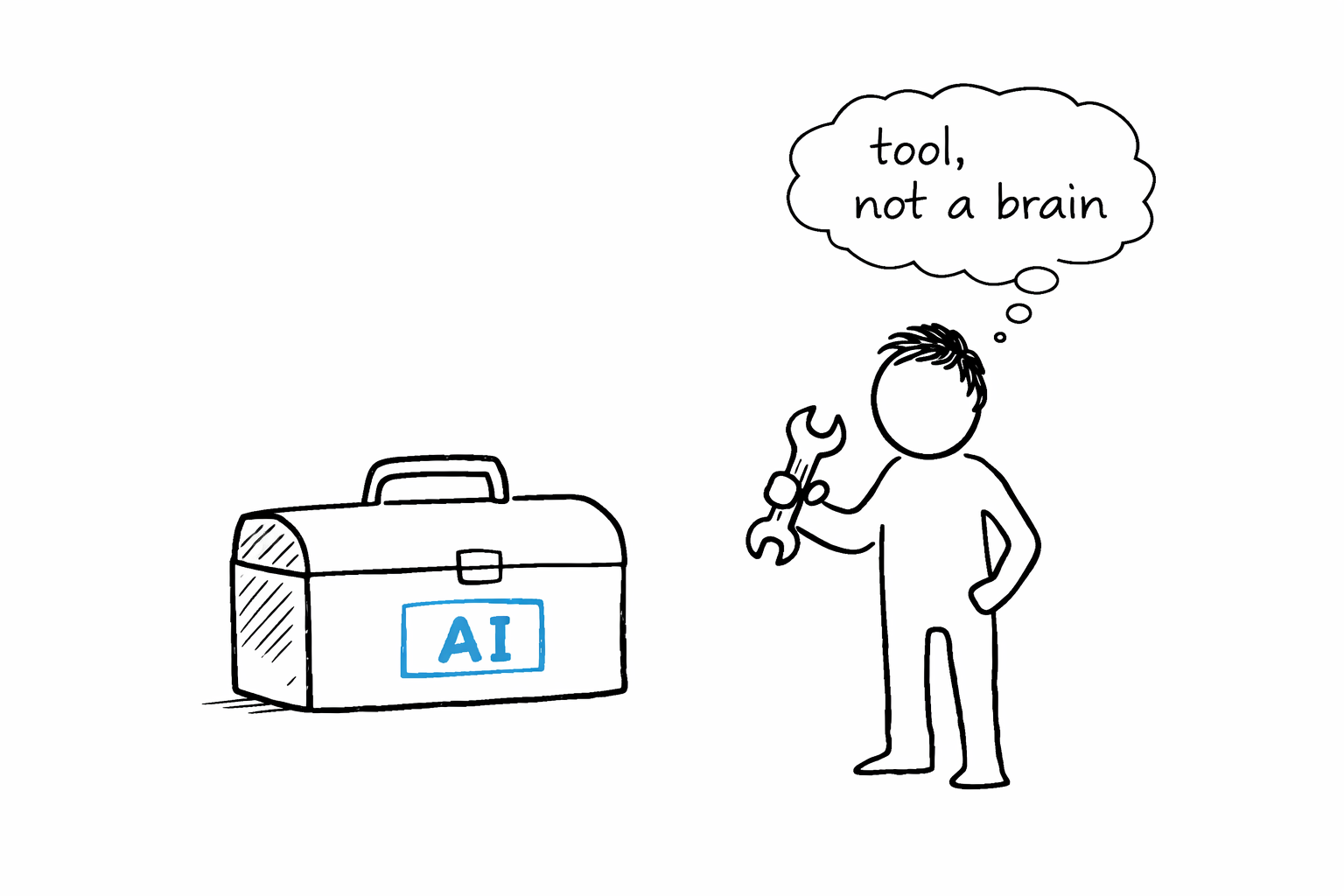
AI is a tool. A very good one. But the moment you treat it as more than that, you stop growing. And if you're a developer who cares about getting better, that's the one thing you can't afford.
A simple sketch of AI as a tool in the developer's toolbox, not a replacement